



Turn your saved
workout into
a gym routine.
Paste a public TikTok or YouTube workout link. Review the exercises, sets and reps, make the routine yours, and log it at the gym.


iPhone & Android · Import requires Plus and AI credits
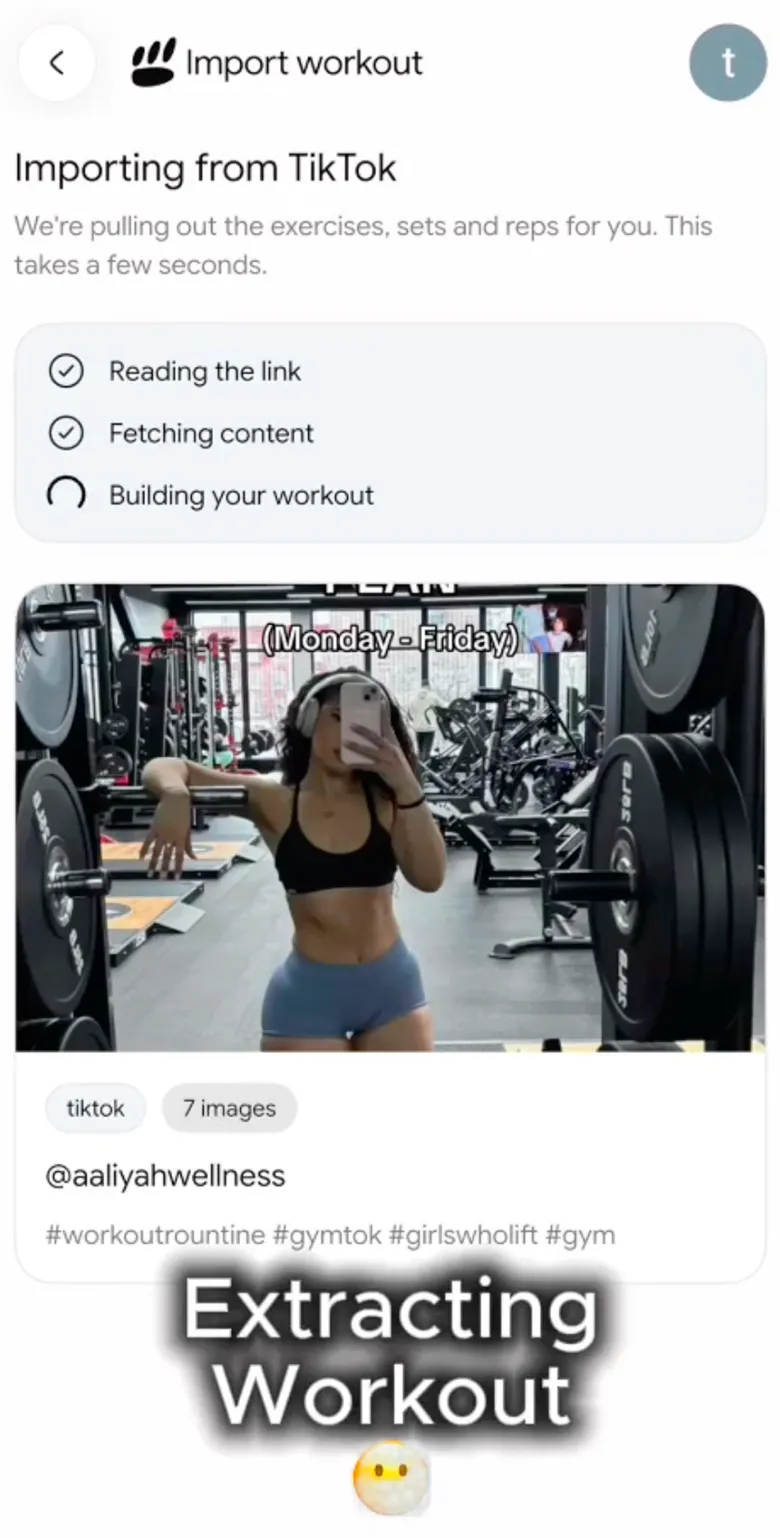

Your workout, ready to use
Bring the routine to the gym.
Keep the workout you chose in the same place as the sets you actually complete.
Review. Save. Train.
Make it yours, then log the work.
Check the imported draft and adjust it for your equipment. Start your saved routine and enter the weight and reps you actually do.
- Review exercises, sets and reps before saving
- Save a routine you can edit and start
- Keep completed sessions in your workout history
Workout import guide
How to import a TikTok or YouTube workout
A saved video becomes useful when you turn it into a routine you can review and run. Here is the full process in PeakBFF.
- 01
Share or copy the public link
Open the TikTok or YouTube workout and tap Share. Choose PeakBFF if it appears in your phone's share menu. Otherwise, copy the link, open workout import in PeakBFF, and paste it.
- 02
Let PeakBFF build the draft
PeakBFF reads the available workout content and creates a draft with exercises, sets and reps. Keep the source link so you can compare the draft with the original post.
- 03
Review and edit before saving
Check exercise variations, equipment, order, sets and reps. A clip may show only part of a workout or omit details. Adjust the draft for your gym and make any missing choices yourself.
- 04
Save the routine and log your session
Save the reviewed programme, open it in the programme editor if you need more changes, then start a workout. Log the weight and reps you actually complete, rather than copying the creator's results.
Check these before you save
- I recognise every exercise and variation.
- I have the equipment needed for the movements I kept.
- Sets and reps are clear, or I chose them myself.
- I checked the exercise order and any missing rest details.
- I know whether this is a whole session or only an accessory block.
Example: make a saved back workout usable
A clip shows three cable exercises but leaves out rest periods and load. Keep the exercises you can perform with your available equipment, remove one that needs an attachment you do not have, choose your exercise order and rest targets, and save the reviewed routine. Record your own working weights when you train.
If the import does not work
Check that the post is public and still available. Use a video with clear workout information. Private or restricted posts may not import; YouTube videos must be 50 minutes or shorter. Check your Plus plan, AI credits and remaining weekly imports, then try again with a supported public link.
Workout import FAQ
Before you import
Can I import the workout on this website?
Import happens inside the PeakBFF app, available on iPhone and Android. This page shows how it works.
Will every video work?
Use a public workout with clear exercise information. Private, deleted or restricted posts may not import. YouTube videos must be 50 minutes or shorter. Always review the draft: a video may leave out sets, reps or other details.
What does importing require?
Workout import requires PeakBFF Plus. Each import uses 3 AI credits, and a weekly import limit applies. Check your plan, credits and remaining imports in the app before starting.


Give that saved workout a place in your gym log.
Get PeakBFF on iPhone or Android. Workout import requires Plus and AI credits.