How to Change Your Protein Goal in a Calorie Tracking App
Change a protein goal without losing the math: use a simple macro check, a copyable update note, and a verified PeakBFF workflow.
How to Change Your Protein Goal in a Calorie Tracking App
To change a protein goal in a calorie tracking app, first write down the old protein, carb, fat, and calorie targets. Then choose the new protein number, recalculate the calorie total if the other two macros stay the same, and save a short note explaining what changed. The important part is not finding a magic number. It is making sure the goal shown in the app still matches the plan you intend to follow.
Use this update note:
START DATE: ____________________

Old target: protein ___ g, carbs ___ g, fat ___ g, calories ___ kcal
New target: protein ___ g, carbs ___ g, fat ___ g, calories ___ kcal

What changed: _________________________________________________
What stays the same: __________________________________________
When I will review it: _________________________________________
Short answer: changing protein by itself changes the energy total unless you also change carbs or fat. Protein and carbohydrate each contribute about 4 kcal per gram, while fat contributes about 9 kcal per gram. So a clear app target needs both the new gram amount and a checked calorie total. This is recordkeeping, not a personal nutrition prescription. If your target comes from a clinician or dietitian, copy that plan exactly and ask them before changing it.
What should you check before changing a protein goal?
Keep the old target visible long enough to compare it with the new one. A single protein number on its own does not tell you whether the rest of the macro plan still adds up.
| Check | Write down | Why it matters |
|---|---|---|
| Protein | Old and new grams per day | Shows the exact change you made |
| Carbs and fat | Current grams per day | They affect the total calorie math |
| Calories | Current and recalculated total | Makes a mismatch visible before you save |
| Start date | The first day for the new target | Keeps a later review interpretable |
| Reason | One short, practical sentence | Prevents a vague target from drifting |
The calorie factors are the standard label calculation: protein and carbohydrate provide 4 kcal per gram, and fat provides 9 kcal per gram. The FDA explains these energy values in its food-label education material. (FDA: Calories on the Nutrition Facts Label)
The app should be a place to preserve a target you have chosen, not a reason to change it every time a food entry looks inconvenient. MyFitnessPal's current help, for example, documents a dedicated calorie-and-macro goal area and notes that macro changes are reconciled as part of the overall target. (MyFitnessPal: Customize your nutritional goals)
How do you recalculate calories after changing protein?
Use this simple check:
calories = (protein grams × 4) + (carb grams × 4) + (fat grams × 9)Here is a worked example. It is only arithmetic, not a suggested macro plan.
| Target | Before | After |
|---|---|---|
| Protein | 140 g | 160 g |
| Carbs | 250 g | 250 g |
| Fat | 70 g | 70 g |
| Calculated calories | 2,190 kcal | 2,270 kcal |
The protein increase is 20 g. At 4 kcal per gram, that adds 80 kcal when carbs and fat do not change. If the calorie total needs to stay at 2,190 kcal, you would need to make an intentional change elsewhere and check the equation again. Do not quietly keep the old calorie total beside a new macro total that does not equal it.
When should you keep the calorie target the same?
There is no universal answer. A goal set by a dietitian, clinician, coach, or structured plan may already specify which number should move and which should remain fixed. In that case, preserve the instructions rather than using a generic online rule.
For a self-managed record, make the choice explicit:
- If calories are the figure you intend to keep fixed, record which carb or fat value you changed to reconcile the new protein amount.
- If carbs and fat are the figures you intend to keep fixed, update the calorie total to match the new protein amount.
- If you are not sure what should change, keep the current target, log your normal food record, and get qualified advice before rewriting the plan.
That is deliberately less dramatic than a "high protein" preset. It gives you a record you can understand later without presenting a generic target as the right target for every body, training plan, or health condition.
How do you change a protein target in PeakBFF?
PeakBFF keeps calorie and macro targets in its Daily Nutrition screen. Tap the protein row to open its gram-based wheel editor, choose the new value, and confirm it. The app marks the target as manually set and recalculates the calorie target from protein, carbs, and fat so the displayed numbers remain consistent. The same screen lets you review and edit calories, carbs, fat, and water, but water is independent of the macro calculation.
Macro-target editing is a PeakBFF Plus feature. The free experience can still show the calorie headline, while the macro rows route to the upgrade flow when they are locked. That is worth checking before you plan around the editor.
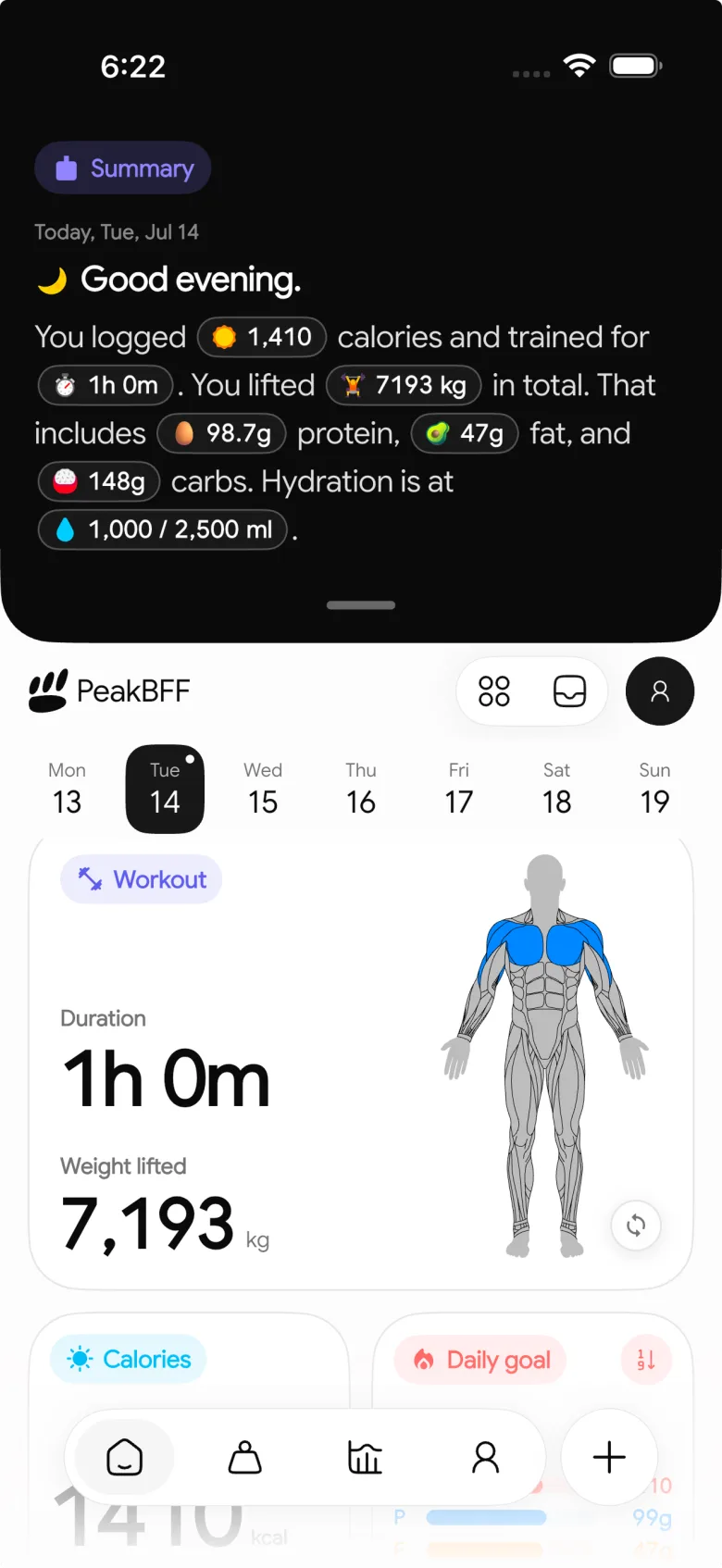
Use this quick workflow:
- Open Daily Nutrition and note the current protein, carbs, fat, and calorie values.
- Do the 4-4-9 check above, or write the new values in the update note.
- Tap Protein, select the new gram value, and confirm it.
- Review the updated calorie figure and the unchanged carb and fat values.
- Keep logging meals normally, then review the record on the date you wrote down rather than judging the change from one meal.
This workflow changes a target, not past food entries. It also does not assess whether the target is appropriate, diagnose a nutrition issue, or promise a training result.
If you want the broader app-choice decision, our comparison of the best apps to track protein, water, and workouts together compares PeakBFF with nutrition-first alternatives. For the separate question of calculating a protein target before you set it, see our guide to calculating a protein target for lifting weights.
A small weekly review that keeps the target useful
At the end of the week, read the update note beside the food record. Keep the review descriptive.
Target start date: ____________________
Days with a food record: ___
Did the displayed calorie total match the macro math? yes / no
One recordkeeping issue to fix: _________________________________
Need qualified guidance before changing again? yes / no
The question is whether the app is showing a coherent target and a useful record, not whether one day proves a result. If the numbers are not the plan you meant to follow, correct the target and write the date. If the plan itself is unclear, pause the edit and get advice from the professional who set it.
Bottom line
Change a protein goal by writing down the old numbers, choosing the new gram amount, and reconciling the 4-4-9 calorie math before you save. In PeakBFF, the Daily Nutrition editor keeps the macro and calorie target consistent while leaving water separate. Use the result as a clear food-and-training record, not a universal nutrition recommendation.
Keep your target, meals, water, and gym sessions in one daily record with PeakBFF on iOS or Android.
More from PeakBFF
More app comparisons, fitness guides, and product notes.
Fitbod vs Hevy (2026): Generated Workouts or a Simple Log?
Fitbod vs Hevy compared on price, workout generation, free limits, watch apps and nutrition, plus where PeakBFF fits if you want training and food in one app.
How to Log Raw vs Cooked Food Weight: A Simple Conversion Cheat Sheet
Weigh food raw or cooked, then log it against a matching entry. A cheat sheet with USDA numbers for chicken, rice and pasta, plus a worked example.
MacroFactor Workouts vs Hevy (2026): Which Fits Lifters Who Track Food?
MacroFactor Workouts vs Hevy compared on price, progression, free limits and nutrition, plus PeakBFF as a one-app option for lifting and food logging.
Best AI Physique Transformation App With Workout Tracking (2026)
Compare AI physique-transformation preview apps for motivation, photo boundaries, and the workout record you use after the preview.
How to Save a Workout as a Template After Training
Turn a session that worked into a reusable workout template without confusing completed results with your next plan.
Best Beginner Gym App With Starter Programs and Form Cues (2026)
Compare beginner gym apps for choosing a starter program, checking exercise form cues, and logging the sets you actually complete.



