How to Track Bodyweight Progress: A Simple Weekly-Average Template
Track bodyweight progress with a consistent weigh-in routine, a copyable weekly-average template, and a simple way to read the trend without overreacting to one day.
How to Track Bodyweight Progress: A Simple Weekly-Average Template
To track bodyweight progress, take comparable weigh-ins, calculate one weekly average, then compare that average with the previous week's. Treat each individual number as a data point, not a verdict.
Copy this simple rule:
weekly average = sum of this week's weigh-ins ÷ number of weigh-ins
For example, seven weigh-ins that add to 562.6 kg produce an average of 80.4 kg. Next week, calculate a new average from the measurements you actually recorded and compare the two averages. You do not need seven perfect entries for the template to work. Just write down how many entries you used.
That gives you a practical record you can use in a notebook, spreadsheet, or workout app. It does not diagnose body composition, explain a single change, or prescribe what you should do next.
Why use a weekly average to track bodyweight progress?
A weekly average puts several readings into one comparable reference point. It is useful when a one-day change would otherwise make your log hard to read. Research has documented ordinary day-to-day body-mass variability: one long-running observational study reported a standard deviation of about 0.53% in day-to-day body mass for its participant. That figure is not a target or a universal limit. It is a useful reminder that a single scale reading is a small slice of a longer record. Read the study in PMC.
The value of the average is its consistency. Compare a week with the same kind of week, using the same scale and a repeatable moment in your routine where possible. A missing day is not a failed week. Record the available entries, calculate the average from those entries, and avoid pretending that an incomplete week is identical to a full one.
A weekly-average bodyweight tracker you can copy
Use one row for each week. Keep the unit the same across the sheet. The context column is deliberately brief: it gives a future you enough information to remember whether the week was ordinary or clearly different.
| Week | Mon | Tue | Wed | Thu | Fri | Sat | Sun | Entries | Weekly average | Short context |
|---|---|---|---|---|---|---|---|---|---|---|
| Jul 6 | 80.3 | 80.6 | 80.4 | 80.2 | 80.5 | 80.4 | 80.2 | 7 | 80.4 kg | Normal training week |
| Jul 13 | 80.5 | 80.2 | 80.1 | 80.3 | 80.0 | 80.2 | 80.1 | 7 | 80.2 kg | Normal training week |
| Jul 20 | 80.4 | 80.3 | 80.2 | 80.3 | 80.1 | 80.0 | 6 | 80.2 kg | One missed entry |
For the first row, the calculation is:
(80.3 + 80.6 + 80.4 + 80.2 + 80.5 + 80.4 + 80.2) ÷ 7 = 80.37 kg
Round the displayed result to a sensible precision for your scale, here 80.4 kg. The third row uses six values, so divide by six, not seven.
If you use pounds, use pounds in every cell and keep the same calculation. The unit does not change the method.
How often should you weigh in?
Choose a frequency you can repeat without making the record harder to use. Daily entries give a weekly average more inputs. A once-weekly entry can still be a useful long-term log when it is taken under similar conditions. Do not turn either option into a rule you must follow.
For a clean comparison, make the collection method boring:
- Use the same scale when you can.
- Record the date and your chosen unit.
- Keep the point in your routine broadly similar.
- Preserve the actual value instead of replacing it with a guessed average.
- Add a short note only when it helps interpret the record later.
There is no special number hidden in a single morning, a single meal, or a single hard training day. The tracker is most useful when it gives you a sequence you can look back on calmly.
How do you read the trend without overreacting?
Start by comparing two like-for-like weekly averages. In the example above, the first average is 80.4 kg and the second is 80.2 kg. That is a 0.2 kg difference between those displayed averages. The third row remains 80.2 kg with fewer entries, so the practical reading is simply that it adds more context, not a dramatic new conclusion.
Before attaching a story to the number, check three things:
- Were the measurements collected in a reasonably similar way?
- How many entries made up each average?
- Does the pattern continue across more than one comparison?
This is a logging method, not a medical assessment. If weight tracking is causing distress or you need individual health guidance, pause the process and seek support from an appropriately qualified professional.
How PeakBFF keeps a bodyweight record beside your training
PeakBFF lets you log a weight for a specific date, then view the full history as a chart with W, M, 3M, 6M, and Y ranges. Within each visible range it groups entries by local day, shows an average headline and the change from the first to the last displayed day, and can show a goal line when you set one. The app also derives a local smoothed trend from the saved series. It is a view of your recorded measurements, not an explanation of why they changed.
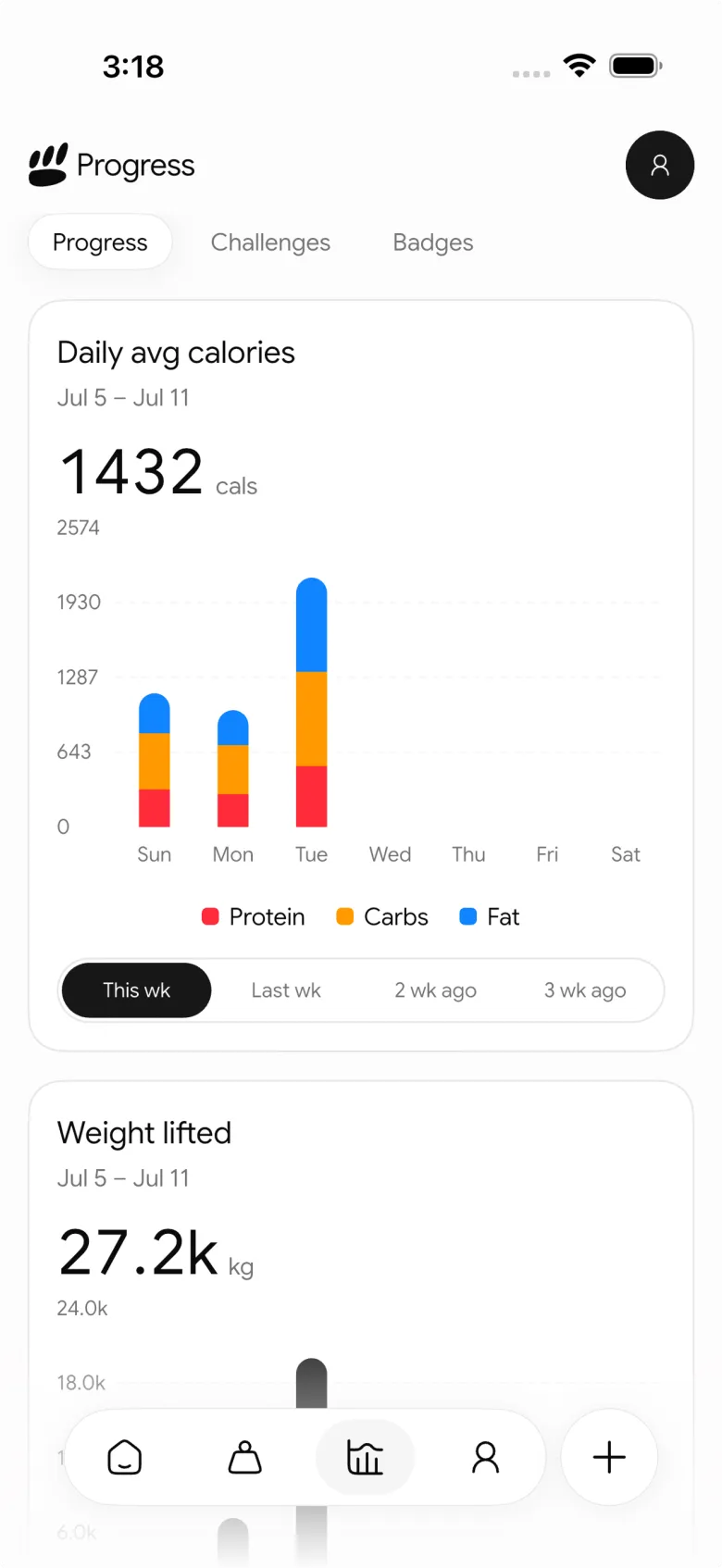
A simple in-app workflow is:
- Log a weight for the date you are recording.
- Open the Weight history card from Home when you want the longer view.
- Select a time range and review the average, first-to-last change, and chart together.
- Keep workouts and food records in their own logs so the surrounding week is not scattered across separate notes.
The app can store the metric record and chart it. The weekly-average template above remains useful when you want an explicit, easy-to-audit comparison from the entries you chose.
For a broader view of what to keep in a gym record, pair this with our weekly gym progress review template. If you are choosing an all-in-one tracker rather than building a manual sheet, see the PeakBFF gym tracker comparison.
If you want one place for bodyweight, workouts, and food records, download PeakBFF for iOS or Android.
More from PeakBFF
More app comparisons, fitness guides, and product notes.
Boostcamp vs Hevy (2026): Structured Coach Programs or a Simple Gym Log?
Boostcamp vs Hevy compared on structured strength programs, progression tools, Apple Watch logging, free tier limits and pricing, plus where PeakBFF fits.
How to Hit Your Protein Goal Without Going Over Calories: The 10:1 Rule and Lean Swaps
Learn how to hit your protein goal without going over calories using the 10:1 protein-to-calorie ratio, lean protein swaps, and a worked 150g meal plan.
GainFrame vs ShredFrame (2026): Which AI Physique App Fits Your Goal?
Compare GainFrame and ShredFrame for AI physique scans and body composition. See features, Android availability, pricing, and workout tracking differences.
Best 75 Hard App (2026): Free Options, the Official App and What Actually Works
Compare the best 75 Hard apps for tracking workouts, water, diet and progress photos. See why lifters outgrow basic checkboxes and what to use instead.
PPLUL Split (2026): A 5-Day Push Pull Legs Upper Lower Routine and Volume Guide
What the PPLUL split is, how to schedule a 5-day Push Pull Legs Upper Lower workout routine, weekly muscle volume targets, and how to track progression.
Cronometer vs MyFitnessPal (2026): Which Food Tracker Fits Lifters?
Cronometer vs MyFitnessPal compared on database accuracy, free barcode scanning, pricing and lifting support, plus where PeakBFF fits for gym trackers.



