How to Turn a Physique Check-In Into a Workout Plan
Use a physique check-in to make an editable gym-plan brief, choose realistic training constraints, and keep the plan connected to your workout log.
How to Turn a Physique Check-In Into a Workout Plan
To turn a physique check-in into a workout plan, use it to choose one training focus, then add the practical details a plan needs: your training days, session length, available equipment, and any constraints. Do not treat a photo or an AI result as a diagnosis or a complete prescription. It is a starting brief for a plan you can review and edit.
Copy this before you choose exercises:
| Plan input | Your answer |
|---|---|
| Main focus for this block | One area or training priority |
| Training days | Days you can actually complete each week |
| Session length | A realistic start-to-finish time |
| Equipment | What is reliably available to you |
| Constraints | Movements, time, or access limits to account for |
| Review point | The date you will look at the logged sessions again |
For example, a lifter might write: "Focus on upper-body pulling, train three days per week, 45 minutes per session, full gym access, no barbell rows, review after four weeks." That is specific enough to shape a draft, while staying open to changes once the work is logged.
What should a physique check-in decide?
A useful check-in can help you identify a direction, not prove exactly what your body needs. Keep the decision small. Choose one focus area, such as a muscle group you want to prioritise, a balanced full-body routine, or simply a consistent return to training.
Then separate the observation from the plan:
- Observation: "I want more attention on my back and shoulders."
- Plan choice: "Include a manageable pulling focus in three weekly sessions."
- Log to review: completed exercises, sets, reps, load, and notes.
That distinction matters because a check-in does not know your injury history, technique, recovery, equipment availability, or how a movement feels for you. If you have pain, an injury, or a health concern, use a qualified clinician or coach for individual guidance rather than relying on an app-generated plan.
A simple physique-to-workout-plan template
Use this template to turn the focus into a plan brief. It is deliberately more useful than a vague request for a "perfect" routine.
Goal for this block:
Primary focus:
Experience with the listed movements:
Days per week:
Minutes per session:
Equipment I can use:
Movements or constraints to account for:
What I will log after each session:
When I will review the plan:
Fill it with information you can act on. "Build muscle" is a broad goal. "Two full-gym sessions plus one dumbbell session, 45 minutes each" gives a plan a real operating boundary. You can still change exercises later, but the first version should fit the week you actually have.
How to review the draft before saving it
Before you start a new plan, give it a short reality check:
- Check the schedule. Count only the sessions you can reasonably protect in a normal week.
- Check the equipment. Replace any movement that depends on equipment you cannot consistently access.
- Check the focus. A focus is not a reason to erase every other movement. Keep the draft coherent rather than adding everything at once.
- Check the time. If the session cannot fit the time you wrote down, simplify it before the first workout.
- Check the review point. Review completed sessions, not just the plan on paper. A draft becomes useful only when you can see what happened.
This is also why a plan generator should be treated as a drafting tool. It can help turn your inputs into a structured starting point, but you remain responsible for checking whether the result makes sense for your circumstances.
How PeakBFF turns a physique check-in into a workout draft
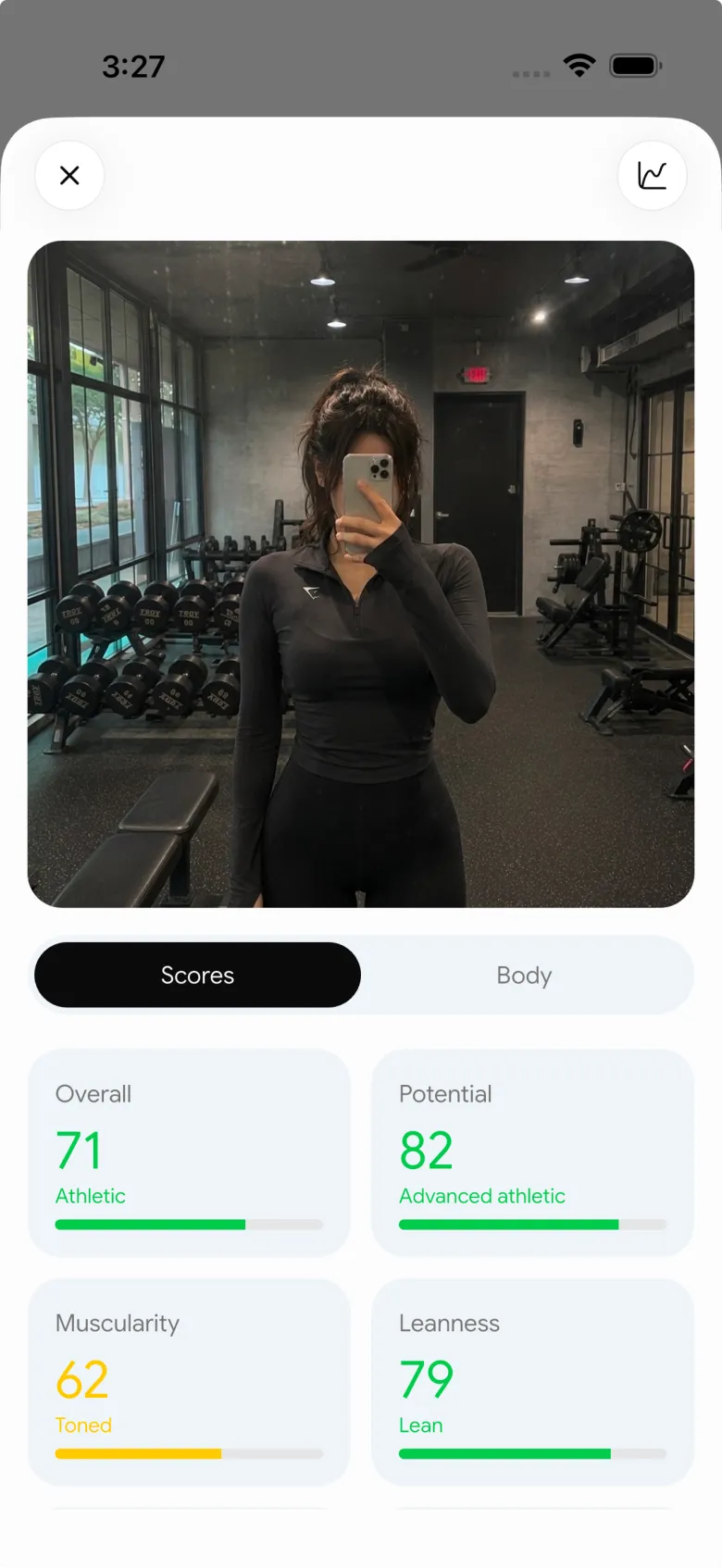
PeakBFF offers a "Build my workout" action from a physique-rating result. The workflow seeds the program generator with the result's focus area and selected muscle context, then starts a draft. The program flow can also carry your goal, experience, training days, session duration, program length, equipment, and focus muscles into the draft for review and editing before you save it.
The feature does not diagnose an imbalance, assess your technique, or promise a specific result. Think of the check-in as context for a plan draft, then use your logged sessions to decide what is worth repeating or adjusting.
Once you start logging the sessions, keep the same short review point from the template. The weekly workout recap app comparison shows the complementary job: reviewing the training record after the week, rather than creating the initial draft.
Keep the check-in and the gym log in their proper roles
The point of the workflow is not to keep generating new plans every time you look at a photo. Use the check-in to make a clear first decision, log the work, and review the record at the date you chose. If the schedule or equipment changes, update the plan for the new reality instead of forcing the old one.
For a connected physique-check-in, editable workout-draft, and gym log workflow, download PeakBFF on iOS or Android.
More from PeakBFF
More app comparisons, fitness guides, and product notes.
Best Gym App to Find Exercise Alternatives by Muscle Group (2026)
Compare gym apps for finding a practical exercise alternative by muscle group, checking the movement, and keeping the swap clear in your workout log.
How to Create a Fair Gym Leaderboard With Friends: A 2-Week Template
Set up a friendly gym leaderboard with one clear metric, a short review date, and rules that keep the comparison useful rather than personal.
Best App to Log Myo-Reps and Drop Sets (2026)
Compare gym apps for recording linked myo-rep and drop-set follow-ups without losing the sets, reps, and load changes behind them.
How to Share a TikTok Workout to a Gym App: A Simple Review Template
Share a public TikTok workout to a gym app, review the imported draft with a practical checklist, and save only the routine you can actually use.
Best App to Review Weekly Gym, Protein, and Volume Progress (2026)
Compare weekly gym review apps for lifters who want completed workouts, protein, and training volume in one honest end-of-week recap.
How to Use Previous Workout Weights: A Simple Gym Log Template
Use previous workout weights as a reference, not a command. Copy this gym log template, work through an example, and keep your next session clear.



