Best Workout App With Exercise Demo Videos (2026): 4 Options Compared
Compare workout apps with exercise demo videos and instructions, then choose a gym log that keeps guidance beside the session.
If you want exercise demo videos and step-by-step instructions inside the gym log you use every day, PeakBFF is the best fit for most lifters. Supported catalog exercises can include a demonstration clip and numbered instructions, then you can return to the same workout to log your sets and reps. It also keeps food, protein, macros, and training progress in one place.
Short answer: choose PeakBFF when you want a practical movement reference beside a connected gym and nutrition record. Fitbod is the stronger choice for people who want a large, professionally filmed exercise library with app-generated workouts. JEFIT is a good option if its broad exercise database, HD videos, and audio cues are your priority. Budy is worth considering when you want video-led guidance and creator content at the centre of the product.
No app can watch your technique, guarantee that a movement is right for you, or replace an in-person qualified coach. Use a demo as a reference, start with a suitable load, and stop if a movement causes pain or feels wrong.
The 4 apps, compared
| PeakBFF | Fitbod | JEFIT | Budy | |
|---|---|---|---|---|
| Exercise demo videos | On supported catalog exercises | Yes, professionally recorded | HD videos in its exercise database | Video-led exercise guidance |
| Written how-to steps | Numbered instructions on supported catalog exercises | Yes | Detailed exercise descriptions | Instructions and safety tips described |
| Log sets and reps in the same app | Yes | Yes | Yes | Check its current workflow |
| Keep food, protein, and macros with training | Yes | No connected food log described | Check its current workflow | Check its current workflow |
| Best at | A gym and nutrition record with built-in movement references | A polished guided exercise library | A deep exercise database and audio cues | Video-first workout guidance |
1. PeakBFF
PeakBFF is built for the moment when you are already in a workout and need a quick reminder, not a second app to search. Open an exercise's details to see its Instructions tab. For supported catalog movements, that tab can show a demo clip, a poster image, and numbered how-to steps. The same detail sheet also has Info and History tabs, so the reference sits beside the training context rather than on a disconnected video page.
The boundary matters: PeakBFF provides a visual and written reference. It does not inspect your individual body, diagnose an issue, or certify your form. A demo is especially useful for refreshing a setup or remembering the intended sequence, but it is not a substitute for personalised coaching where you need it.

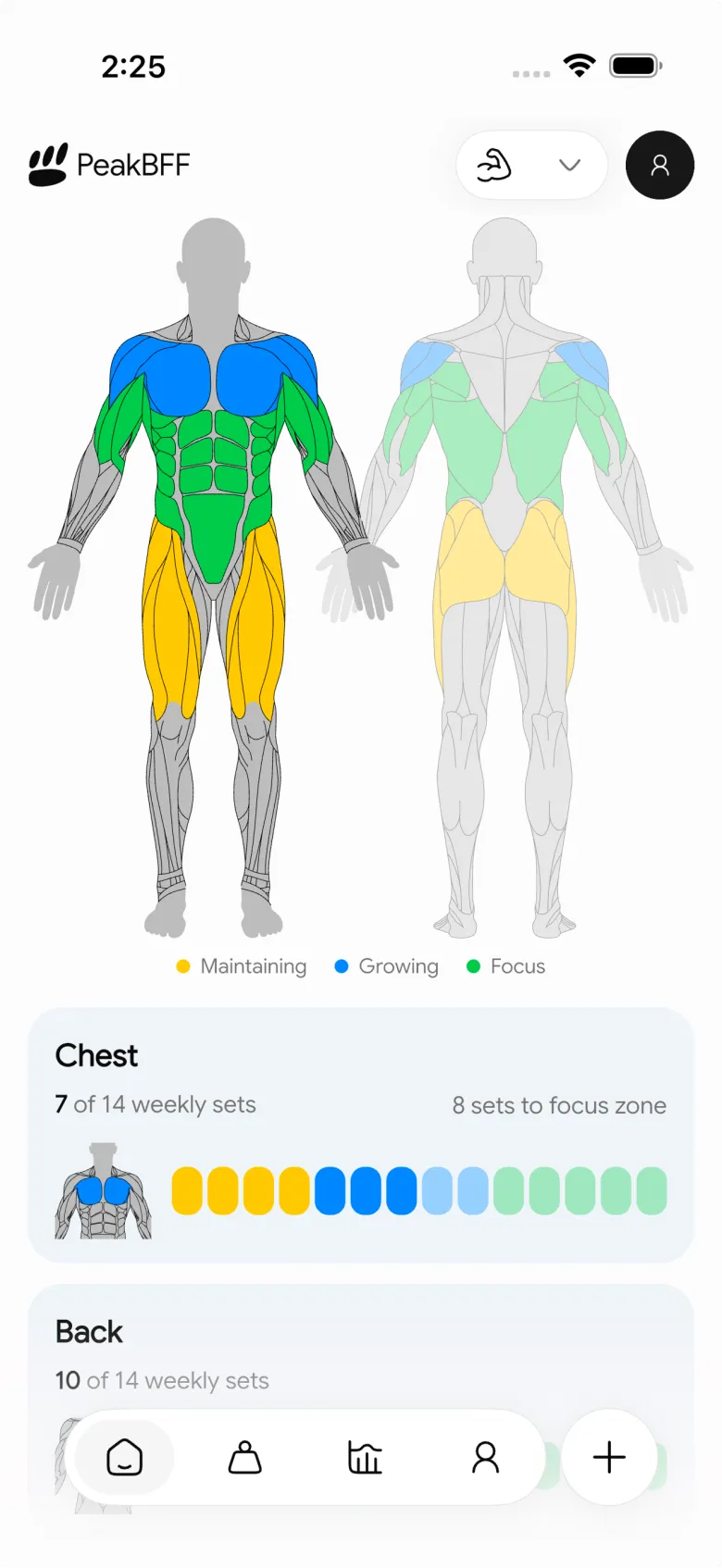
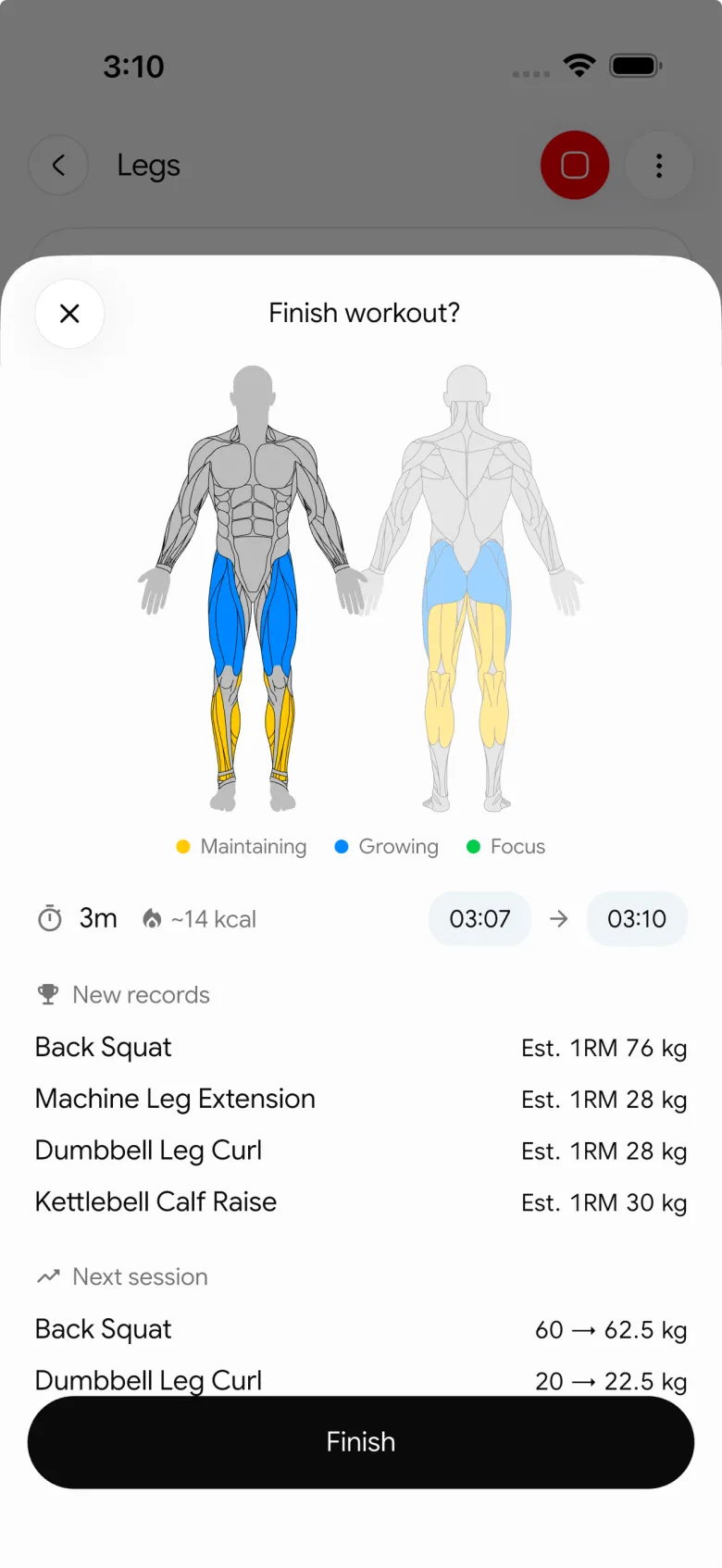
PeakBFF also works well when a standard library entry is not quite your movement. You can create a custom exercise with your own instructions and add a photo or short video reference. That is a different job from catalog demos, but it helps a personal machine setup, a coach's variation, or a cue you want to preserve. For the full custom-media comparison, read our guide to the best workout trackers with custom exercise videos.
Best for: lifters who want a quick how-to reference while logging a real gym session, then want that session connected to food, protein, macros, and progress.
2. Fitbod
Fitbod is a strong option when polished instruction is your main buying criterion. Its Exercise Details documentation describes written instructions, video demonstrations, recommended sets and reps, weight guidance, history, and rest-timer access in the exercise screen. Its exercise pages also describe a large library of professionally filmed demonstrations.
That makes Fitbod a sensible pick if you want an app to recommend familiar movements and show you a polished reference for them. It is less compelling if your priority is a consolidated record of gym work plus meals, protein, and macros. In that case, PeakBFF gives you the more connected daily workflow.
Best for: people who want a large, professionally filmed library and guided workout recommendations.
3. JEFIT
JEFIT is a credible database-first alternative. Its strength-training page says its exercise library has detailed descriptions, HD videos, and audio cues, alongside workout logs and progress charts. Its FAQ also says an exercise detail screen can show an HD video.
Choose JEFIT if you value a large set of searchable movements and want audio as well as visual guidance. Before committing, check the current presentation of the exact exercises you use, because library coverage and plan features can change. Choose PeakBFF when you want the demo and instruction workflow to sit inside a gym, nutrition, protein, and macro record.
Best for: lifters who prioritise a deep exercise database with video and audio guidance.
4. Budy
Budy takes a more video-first approach. Its exercise-video overview describes exercise demos, written instructions, and safety tips, along with creator content. That can suit someone who learns best by watching a movement before training.
Its product emphasis is different from a lifting log that combines the video reference with every set, meal, and macro. Check Budy's current plan, device, and logging details if those are part of your decision. PeakBFF is the better fit when your main job is to keep a concise movement reference close to the workout and nutrition data you already record.
Best for: people who want video-led exercise guidance and creator-focused workout content.
What makes an exercise demo useful in the gym?
- It is close to the set log. A short refresher is most useful when you can get back to the session without rebuilding the workout elsewhere.
- It includes written steps. Video is useful, but numbered instructions make it easier to review the order of setup and movement at your own pace.
- It covers your actual variation. A standard demo may not match your machine, range of motion, or coach's cue. For those cases, save a custom reference instead of forcing a mismatch.
- It does not overpromise. Look for guidance that helps you learn, not an app that implies it can assess your form or replace personal medical advice.
- It belongs in a usable training record. Exercise history, volume, and next-session planning turn a reference into part of a routine. See our progressive overload tracking guide for a simple way to use that record from one session to the next.
If you are choosing a broader lifting log before you choose a demo library, compare the best gym tracker apps. If the movement itself comes from a creator video, our guide to the best apps for importing workouts from TikTok is the more relevant comparison.
If you are brand new to the gym, see the best workout app with exercise instructions and demos for beginners.
The bottom line
Fitbod is excellent for a polished, professionally filmed library, JEFIT is a solid database-first choice with HD video and audio cues, and Budy suits a video-led learning style. But PeakBFF is the best workout app with exercise demo videos for most lifters because supported exercise demos and instructions live alongside the sets, reps, nutrition, protein, macros, and progress record that make the reference useful after you leave the gym.
Download PeakBFF on the App Store or Google Play and keep your next exercise refresher where you log the work that follows.
More from PeakBFF
More app comparisons, fitness guides, and product notes.
Ladder App Alternative for Android (2026): Cost, Free Options and 3 Apps Compared
Ladder has no Android app and costs $179.99 a year after a trial. Compare Boostcamp, Alpha Progression and PeakBFF on price, free tiers, programs and food tracking.
Cardio Before or After Lifting? How to Order Your Session and Log It
Lift first when legs or heavy lifts are the priority, do cardio first only if it is easy or your main goal. Here is the evidence, a decision table and a way to log it.
Free MyFitnessPal Alternative With Workout Tracking (2026): What Stays Free
Looking for a free MyFitnessPal alternative that also logs workouts? Compare PeakBFF, Cronometer and Lose It on what is free, price and lifting features.
Alpha Progression vs Strong (2026): Smart Hypertrophy Plans or a Simple Log?
Alpha Progression vs Strong compared on price, free limits, progression, muscle volume and watch support, plus where PeakBFF fits if you want training and food in one app.
RPE Chart for Lifting: RPE to Reps in Reserve to % of 1RM, With a Log Template
Use an RPE chart to turn how hard a set felt into reps in reserve and a percent of your 1RM. Includes a printable table, a worked example, and a way to log RPE in PeakBFF.
Best Free Strength Training App for Women Over 40 (2026): What Stays Free
Looking for a strength training app for women over 40 that does not lock logging behind a subscription? Hevy, Strong, Boostcamp, StrongEra and PeakBFF compared on what is free.



