How to Track Water Intake From a Water Bottle: A Refill Log
Use a bottle-refill log to record water from a known capacity, calculate the daily total, and keep the entry useful without guessing.
How to Track Water Intake From a Water Bottle: A Refill Log
To track water intake from a water bottle, find its capacity, log that amount each time you finish it, and add the refills at the end of the day. The useful calculation is simply bottle capacity × finished refills. For example, a 24 U.S. fluid-ounce bottle holds about 710 mL, so three finished bottles are about 2,130 mL.
Short answer: use the bottle's printed capacity when it is available. If it is listed in U.S. fluid ounces, multiply by 29.57 to get millilitres. Then log a full bottle only when you finish it. This gives you a practical record without pretending that every sip or a generic daily target is exact for you.
What is the bottle-refill calculation?
Use this small formula:
daily water logged = bottle capacity × finished refillsFor a bottle labelled in U.S. fluid ounces, first convert it to millilitres:
millilitres = U.S. fluid ounces × 29.57The National Institute of Standards and Technology conversion table lists one U.S. fluid ounce as 29.57 mL. Use the capacity marked on your own bottle when possible. Bottles with a line below the rim, a different lid, or an incomplete refill do not necessarily hold their advertised number in that moment.
Here are rounded examples for a full bottle:
| Bottle label | One finished bottle | Two finished bottles | Three finished bottles |
|---|---|---|---|
| 500 mL | 500 mL | 1,000 mL | 1,500 mL |
| 24 U.S. fl oz | about 710 mL | about 1,420 mL | about 2,130 mL |
| 32 U.S. fl oz | about 946 mL | about 1,893 mL | about 2,839 mL |
These are logging examples, not intake targets. Water needs can change with activity, heat, illness, and other individual factors. The CDC's overview of water and healthier drinks notes that people may need more water when they are more physically active or in hot conditions. A bottle log records what you drank. It does not diagnose hydration or prescribe how much you should drink.
How do you log a bottle without counting every sip?
Pick one rule before the day starts: count a refill when you finish the bottle. That keeps the log tied to something you can see, rather than a running guess.
Use this reusable template:
Bottle capacity: __________

[ ] Refill 1 finished
[ ] Refill 2 finished
[ ] Refill 3 finished
[ ] Extra partial amount: __________

Daily total = capacity × finished refills + extra partial amount
If you finish two full 750 mL bottles and drink roughly 250 mL from a cup, record 1,750 mL. If you only drink part of a bottle, either enter a rough partial amount or leave it out until you can make a better estimate. The goal is a useful record, not false precision.
What should count as a refill?
Keep the rule narrow. A refill is a bottle that you filled and then finished. Use a separate entry for a partial bottle, a glass at a restaurant, or a drink that came from another container. That prevents a bottle count from quietly turning into a claim about every drink you had.
| Situation | Practical entry |
|---|---|
| You finish a 1 L bottle | Log 1,000 mL |
| You refill a 24 U.S. fl oz bottle twice | Log about 1,420 mL |
| You finish half a 750 mL bottle | Add about 375 mL, or wait for a clearer amount |
| You drink a glass away from your bottle | Add the best available amount separately |
Avoid using the total as a score. A more complete record can help you remember what happened in a hot training session or a long commute. It cannot tell you whether a particular total is right for your body, workout, or health.
How do you track a water bottle in PeakBFF?
PeakBFF gives you two straightforward ways to record a known bottle amount: choose a preset, or enter a positive custom number in millilitres. The water entry is saved to the selected calendar day, and the daily total appears with the rest of the nutrition record.
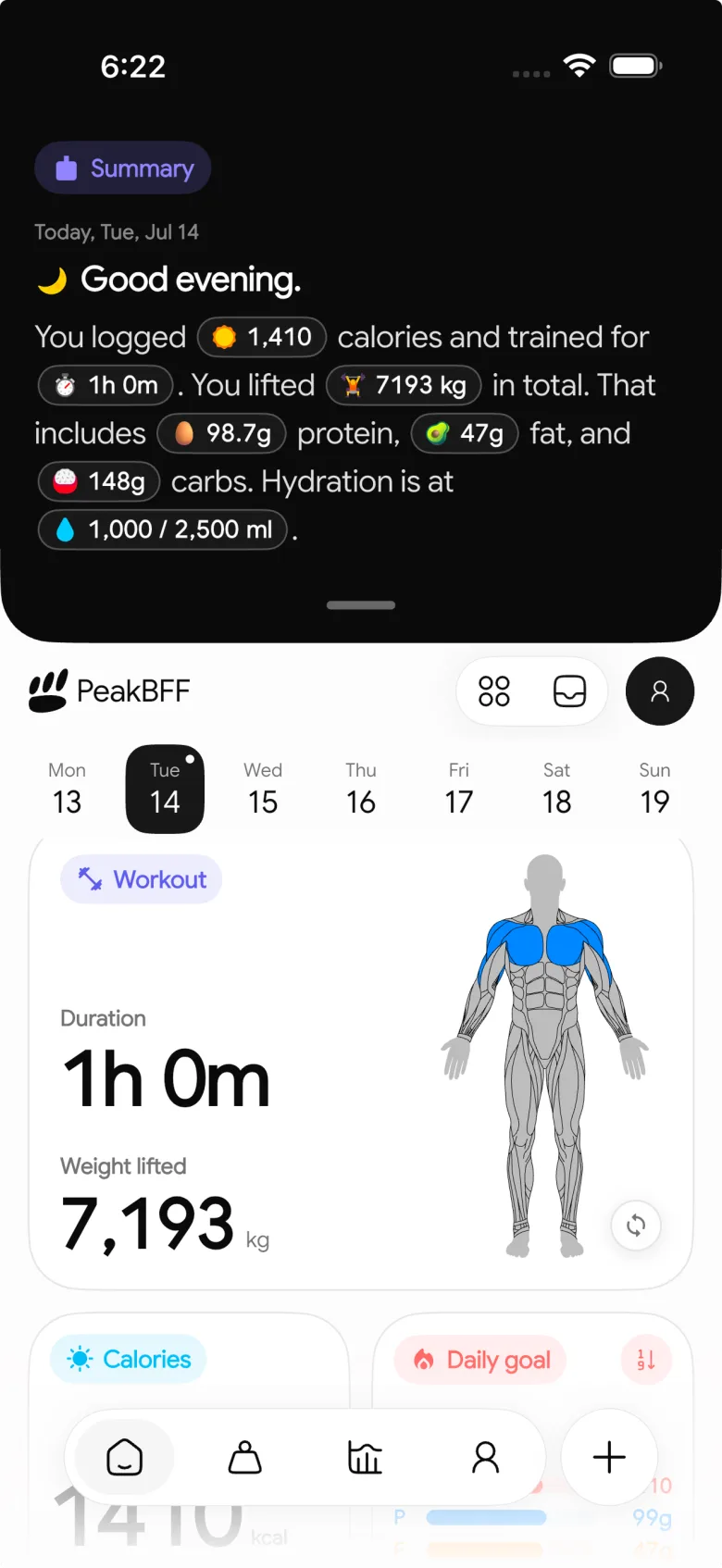
For a 24 U.S. fluid-ounce bottle, enter a rounded custom amount of 710 mL once you finish it. For a 750 mL bottle, use the custom field or a suitable preset. Then add another entry only after the next full refill. This is a record-keeping workflow, not an in-app calculation of your personal hydration needs.
- Check the bottle's capacity.
- Convert U.S. fluid ounces to mL if needed.
- Add the amount after each finished bottle.
- Add a separate custom amount for a clearly remembered partial bottle.
- Review the total as a record, not a pass-or-fail target.
If you also track food, our water and protein daily log keeps those two records in one small routine. For the complementary buying decision, see the best water tracker apps for gym workouts.
The bottom line
Track a bottle by logging its known capacity every time you finish it, then add any clear partial amount separately. Capacity × refills is enough for an honest daily total, and it is easier to repeat than reconstructing the day from memory.
Download PeakBFF for iOS or Android to keep water, food, protein, and workout context in one daily record.
More from PeakBFF
More app comparisons, fitness guides, and product notes.
Ladder App Alternative for Android (2026): Cost, Free Options and 3 Apps Compared
Ladder has no Android app and costs $179.99 a year after a trial. Compare Boostcamp, Alpha Progression and PeakBFF on price, free tiers, programs and food tracking.
Cardio Before or After Lifting? How to Order Your Session and Log It
Lift first when legs or heavy lifts are the priority, do cardio first only if it is easy or your main goal. Here is the evidence, a decision table and a way to log it.
Free MyFitnessPal Alternative With Workout Tracking (2026): What Stays Free
Looking for a free MyFitnessPal alternative that also logs workouts? Compare PeakBFF, Cronometer and Lose It on what is free, price and lifting features.
Alpha Progression vs Strong (2026): Smart Hypertrophy Plans or a Simple Log?
Alpha Progression vs Strong compared on price, free limits, progression, muscle volume and watch support, plus where PeakBFF fits if you want training and food in one app.
RPE Chart for Lifting: RPE to Reps in Reserve to % of 1RM, With a Log Template
Use an RPE chart to turn how hard a set felt into reps in reserve and a percent of your 1RM. Includes a printable table, a worked example, and a way to log RPE in PeakBFF.
Best Free Strength Training App for Women Over 40 (2026): What Stays Free
Looking for a strength training app for women over 40 that does not lock logging behind a subscription? Hevy, Strong, Boostcamp, StrongEra and PeakBFF compared on what is free.



