Best Android Gym App to Sync Water and Workouts to Health Connect (2026)
Compare Android apps that sync water and gym workouts to Health Connect, with a practical pick for keeping both records in one routine.
Best Android Gym App to Sync Water and Workouts to Health Connect (2026)
For an Android lifter who wants water and completed gym sessions in the same daily record and available to Health Connect, PeakBFF is the best fit. You can log water beside food, protein, and workouts, then choose separate Health sync permissions for water and workouts. PeakBFF exports the records you log; it is not a substitute for a watch or a complete Health Connect dashboard.
Short answer: choose PeakBFF if strength training and hydration are both things you log yourself and you want them in one gym-and-nutrition routine. Google Health is a useful Android hub for data that connected apps share. Sworkit is worth considering when its workout, step, and distance connection is the priority. Health Sync is the specialist choice for moving data between a larger set of services. In every case, check the exact Health Connect permissions on your phone before relying on a sync.
The 4 options, compared
| PeakBFF | Google Health | Sworkit | Health Sync | |
|---|---|---|---|---|
| Log water in the same app | Yes, with presets or a customized amount | Yes, in its nutrition and hydration flow | Not the documented focus of its Health Connect guide | Depends on the selected source and destination |
| Record a gym workout in the same app | Yes, as a completed strength session | Supports exercise data through Health Connect | Yes, for Sworkit workouts and manual activities | Moves records between connected services |
| Health Connect role | Exports the water and workout records you choose to sync | Reads and writes supported Health Connect categories | Can receive workout activity and send its workouts | Configurable bridge between supported sources and destinations |
| Best for | Lifters who want one daily gym, food, protein, and water record | People who want a general Android health hub | People using Sworkit for sessions and challenges | People solving a specific cross-service sync gap |
1. PeakBFF: best for one logged gym day
PeakBFF is the practical pick if a water entry should live beside the workout and nutrition record that made up the day. Add a preset or positive custom water amount, set a personal daily target, and keep the total alongside meals, protein, macros, and completed workouts. A water target is a personal record, not a medical prescription.
On Android, the app can export water and completed workouts to Google Health Connect when you turn on the relevant feature and grant its write permission. The controls are deliberately separate. You can allow water without allowing workouts, or the other way around. A completed workout is exported as a strength session; estimated workout calories are optional. PeakBFF currently exports what you log rather than importing a watch workout or hydration entry from Health Connect.

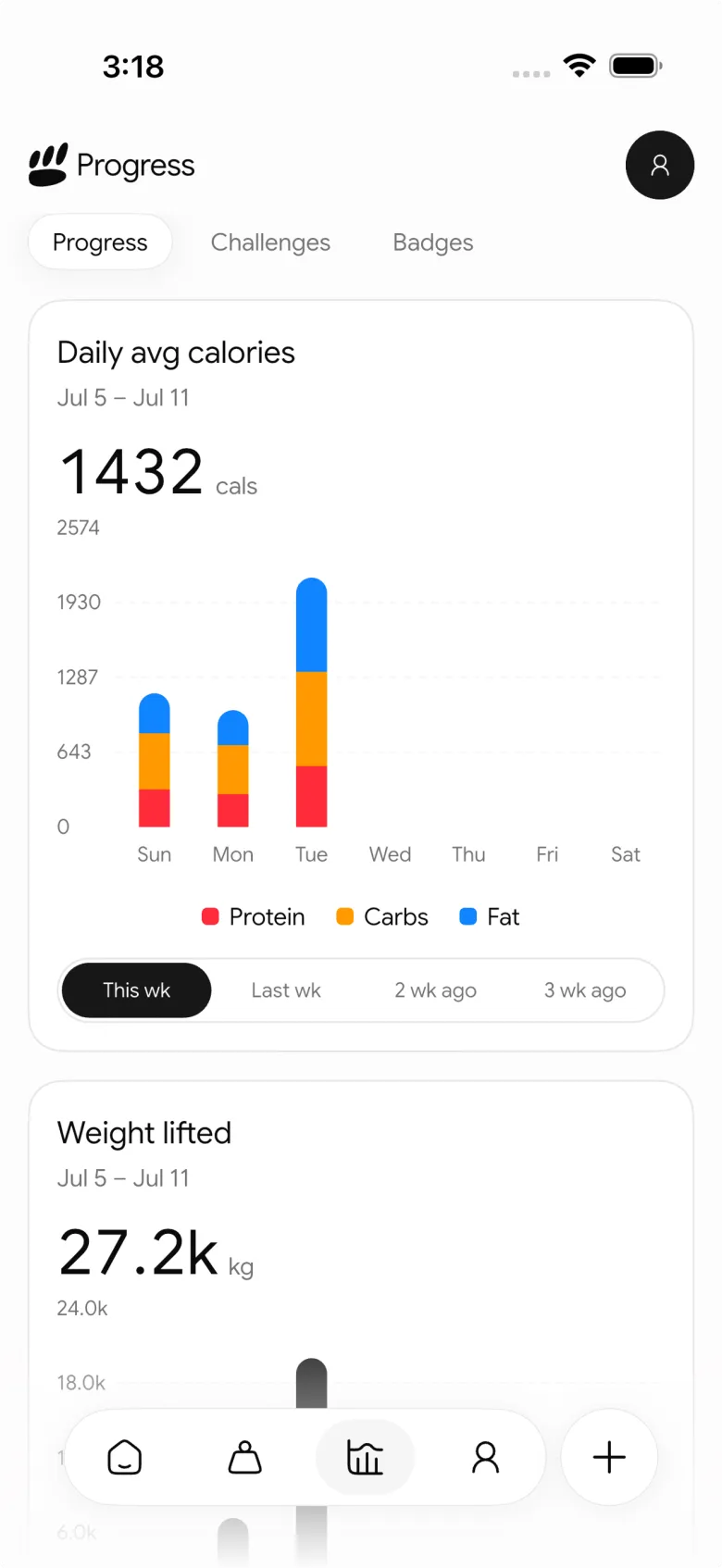
This is a better fit than a generic sync utility when you want to reduce the number of places you manually enter the same day. It is not the right choice if your only requirement is to route existing data between several wearables and services. For that narrow job, use a bridge. For your daily lifting and hydration record, use the app you are happy to open.
Best for: Android lifters who want a strength-workout, food, protein, and water record that can export selected entries to Health Connect.
2. Google Health: best for viewing connected Android data
Google Health uses Health Connect to bring together data from connected Android apps. Its current help documentation lists hydration and exercise among the categories it can read and write, while its connection controls let you decide which data an app may access. That makes it a sensible hub when several compatible apps already write the categories you care about.
It is less specialized as a strength-training log. If you want detailed sets, reps, meals, protein, and water in the same routine before those records leave your app, a gym-and-nutrition tracker is usually a clearer starting point.
Best for: people who primarily want a Google-managed view of data shared through Health Connect.
3. Sworkit: best for connected sessions and challenges
Sworkit's Health Connect guide documents an Android connection for steps, distance, and workout activities. It says Sworkit can receive those categories from Health Connect and can send Sworkit workouts and manually added activities to other apps. Its guide also shows that permissions can be changed after setup.
That is a useful route if Sworkit is where you already do guided workouts or challenges. The public guide does not position it as a combined manual water, protein, and strength-log workflow, so PeakBFF is the better match when that connected daily record is the job.
Best for: Sworkit users who want workout, step, and distance connections on Android.
4. Health Sync: best for a specific data-bridge problem
Health Sync is a purpose-built Android bridge. Its Google Play listing documents source and destination support across services including Health Connect, Google Health, Samsung Health, Garmin, Strava, and several others. It also lets you choose source apps by data type and configure sync direction.
That breadth is valuable if you already have records scattered across services. It is a different job from logging a gym day in the first place. The listing notes that supported data depends on both your source and destination, so check the relevant types and permissions before setting up a workflow.
Best for: Android users who need to bridge established services rather than replace their daily log.
A quick Health Connect setup check
Before you decide an app failed to sync, check these basics:
- Use a compatible Android device and current provider. Health Connect availability depends on your Android setup. An app may ask you to install or update the provider before it can connect.
- Grant only the categories you want. Water and workout permissions are separate choices. A connection can be working for one and off for the other.
- Confirm both sides of the route. The source needs permission to write a category, and the destination needs permission to read it.
- Check the source of a record. Google Health can show the data source for a metric, which helps when two apps appear to have entered similar data.
- Treat a sync as a copy, not a verdict. A hydration total or a completed session is a record. It does not assess recovery, form, or health.
If you also use an iPhone, our guide to syncing gym workouts and nutrition to Apple Health covers the equivalent app-choice question. For the daily logging side, see the best water tracker app for gym workouts.
The bottom line
The best Android gym app to sync water and workouts to Health Connect depends on where you want the daily record to start. Google Health is a good hub, Sworkit supports connected workout activity, and Health Sync is useful for bridging services. But PeakBFF is the best overall fit for lifters who want to log water, food, protein, and a completed strength workout in one routine, then export only the categories they choose.
Download PeakBFF on the App Store or Google Play and keep your next gym day in one clear record before you connect it.
More from PeakBFF
More app comparisons, fitness guides, and product notes.
Fitbod vs Hevy (2026): Generated Workouts or a Simple Log?
Fitbod vs Hevy compared on price, workout generation, free limits, watch apps and nutrition, plus where PeakBFF fits if you want training and food in one app.
How to Log Raw vs Cooked Food Weight: A Simple Conversion Cheat Sheet
Weigh food raw or cooked, then log it against a matching entry. A cheat sheet with USDA numbers for chicken, rice and pasta, plus a worked example.
MacroFactor Workouts vs Hevy (2026): Which Fits Lifters Who Track Food?
MacroFactor Workouts vs Hevy compared on price, progression, free limits and nutrition, plus PeakBFF as a one-app option for lifting and food logging.
Best AI Physique Transformation App With Workout Tracking (2026)
Compare AI physique-transformation preview apps for motivation, photo boundaries, and the workout record you use after the preview.
How to Save a Workout as a Template After Training
Turn a session that worked into a reusable workout template without confusing completed results with your next plan.
Best Beginner Gym App With Starter Programs and Form Cues (2026)
Compare beginner gym apps for choosing a starter program, checking exercise form cues, and logging the sets you actually complete.



