Best App to Sync Gym Workouts and Nutrition to Apple Health (2026)
Compare apps that sync gym workouts and nutrition to Apple Health or Health Connect, with a practical option for lifters who want one record.
Best App to Sync Gym Workouts and Nutrition to Apple Health (2026)
If you want one app to log a gym session, food, protein, and macros before choosing what reaches Apple Health or Health Connect, PeakBFF is the best fit. It has separate sync controls for workouts, food, water, and weight, so you can keep a connected record without treating a phone health hub as the place to plan every set or meal.
Short answer: choose PeakBFF when you want lifting and nutrition in the same daily record, plus opt-in health sync by category. Hevy is a strong option if a focused strength log is the priority and nutrition already lives in a separate app. MyFitnessPal makes sense when food tracking comes first and a different app handles the gym session.
The 3 apps, compared
| PeakBFF | Hevy | MyFitnessPal | |
|---|---|---|---|
| Log gym sets and reps | Yes | Yes | Not its main job |
| Track food, protein, and macros | Yes | Pair with another app | Yes |
| Health sync controls | Separate workout, food, water, and weight toggles | Platform permissions for the connected health service | Platform permissions for the connected health service |
| Health-data role | Can mirror selected logged records | Focused lifting-log connection | Food-first connected-data workflow |
| Best at | One gym and nutrition record with selective sharing | Strength logging with a separate nutrition setup | Food logging with activity data from elsewhere |
Apple Health and Health Connect are data hubs, not replacements for the app you use while training or logging a meal. The useful choice is usually the app that owns your daily record, then asks only for the specific permissions needed to share it.
1. PeakBFF
PeakBFF is the practical choice if you do not want to reconstruct a gym day from a workout app, food app, and health-data hub. You can log sets and reps, record food with calories, protein, carbs, and fat, and then choose whether each category mirrors to Apple Health or Google Health Connect.
In Settings, PeakBFF separates the switches for workouts, food, water, and weight. Turning on one asks for the corresponding system access, rather than automatically switching on every category. Completed workouts can be exported when workout sync is enabled, while food entries, water entries, and manual weight logs use their own opt-in flows. On Android, the app checks whether Health Connect is available before it asks for access.

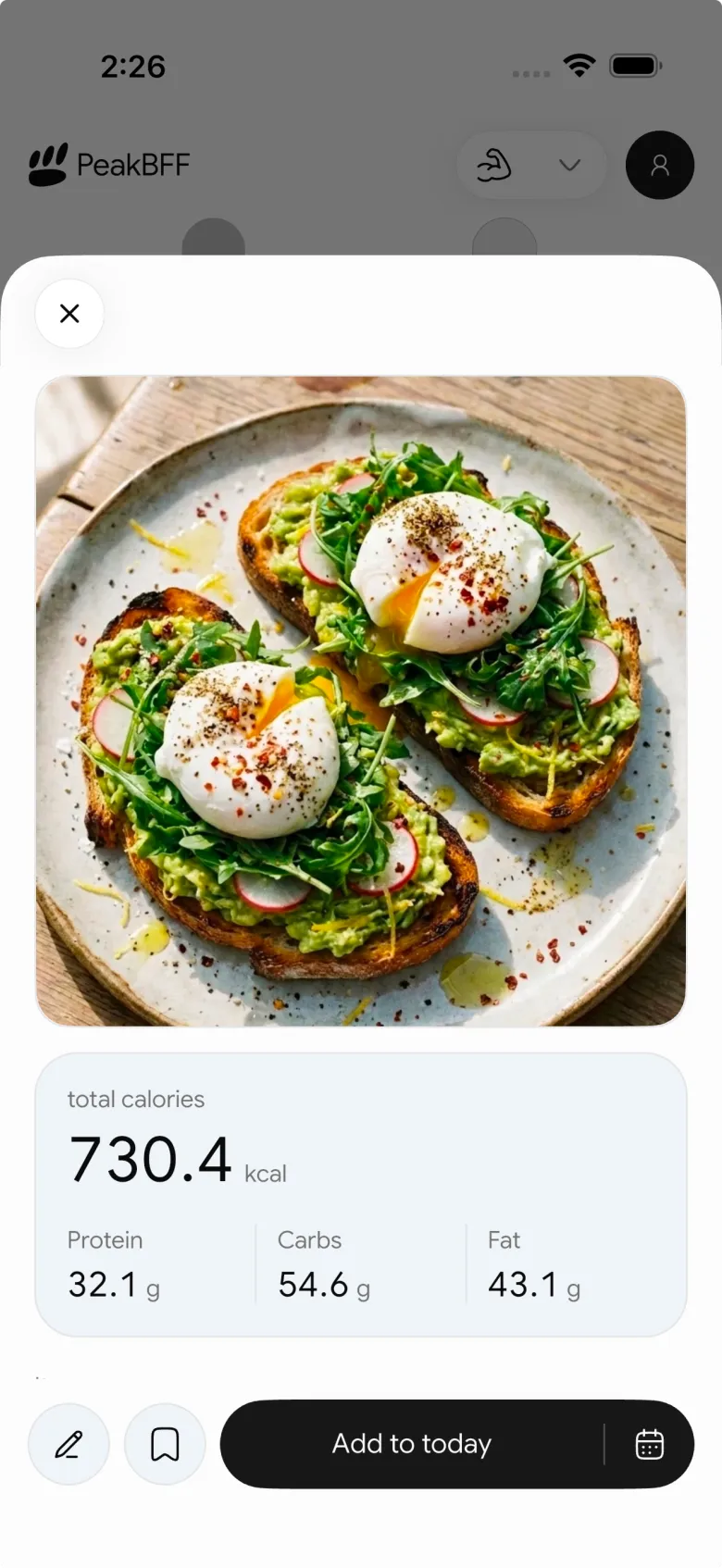
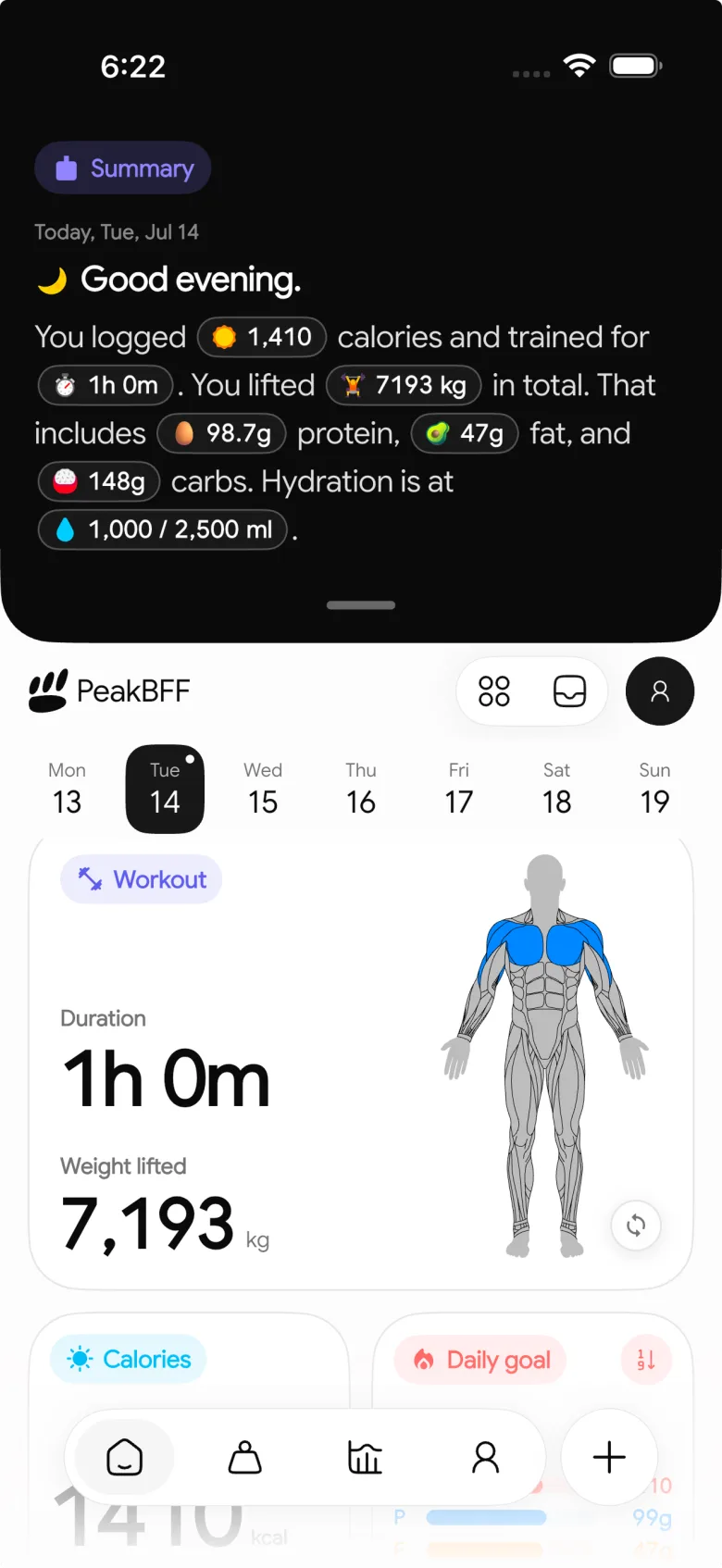
This is a data-sharing workflow, not a medical claim. A health-platform record does not prove training quality, assess technique, or make an estimated calorie field exact. Choose one source for an overlapping workout, and check the platform's own permissions and data-source order before enabling multiple writers.
Best for: lifters who want sets, food, protein, and macros in one place, then want control over which selected records are shared outward.
2. Hevy
Hevy is a credible option when the core job is a focused strength log. Its current help centre documents connecting to Apple Health and to Health Connect. That makes it a sensible pick if you already like a separate food tracker and want the phone's health layer to help records travel between apps.
The trade-off is that the daily record remains split. You will still move between a strength log and a nutrition app to see the full context. If that is already your preferred setup, Hevy keeps the lifting side focused. If you want to log training and meals in the same place before deciding what to sync, PeakBFF is the simpler route.
Best for: lifters who want a dedicated strength log and are comfortable keeping nutrition in a separate app.
3. MyFitnessPal
MyFitnessPal is the food-first alternative. Its support documentation covers connections to Apple Health and Health Connect. It is worth considering when meals and nutrition targets are the main thing you want to manage, while a watch or another app records the workout.
It is not the natural choice for someone shopping for a set-by-set gym log. That person still needs somewhere to run and record the lifting session. The two-app setup can work well, but PeakBFF is the more direct answer when you would rather keep workouts, food, protein, and macros together before health sync enters the picture.
Best for: food trackers who already have a preferred workout source.
What should you check before enabling health sync?
Start with the record you actually need, then enable only its permissions:
- Choose the source of truth for a gym visit. If a watch and a gym log both write the same session, you can end up with duplicate records.
- Use narrow permissions. Apple lets you manage individual Health categories for compatible apps, and Health Connect uses per-app, per-data-type access. Review them in the system settings after setup.
- Check one new record. Finish a fresh workout or add a new food entry, then verify it appears as expected before changing more switches.
- Do not expect every detail to travel. A health hub may store a session or nutrition record without reproducing every note, set, rep, or app view.
- Keep estimates in context. An exported estimated-calorie field is still an estimate, not a measurement of energy use.
For the exact gym-session verification process, follow our Apple Health gym workout sync checklist. If you only need a lifting tracker and do not care about food, the best gym tracker app comparison is the more useful starting point.
The bottom line
Hevy is a solid dedicated lifting log, and MyFitnessPal remains a reasonable food-first choice when another app already records your training. But PeakBFF is the best app to sync gym workouts and nutrition to Apple Health or Health Connect when you want a single record for sets, food, protein, and macros, with separate controls for what you share.
Download PeakBFF on the App Store or Google Play and choose the health-sync categories that fit your own routine.
More from PeakBFF
More app comparisons, fitness guides, and product notes.
Best AI Physique Transformation App With Workout Tracking (2026)
Compare AI physique-transformation preview apps for motivation, photo boundaries, and the workout record you use after the preview.
How to Save a Workout as a Template After Training
Turn a session that worked into a reusable workout template without confusing completed results with your next plan.
Best Beginner Gym App With Starter Programs and Form Cues (2026)
Compare beginner gym apps for choosing a starter program, checking exercise form cues, and logging the sets you actually complete.
How to Track Home and Gym Versions of the Same Exercise
Use a simple split-or-combine checklist to keep home and gym exercise variations clear in your workout history.
How to Log a Weigh-In in a Gym App: A Simple History Checklist
Log a weigh-in with a repeatable routine, a clear calendar day, and a simple history review that keeps your gym records useful.
How to Choose a Starter Workout Program: A 3-Question Template
Choose a starter workout program with a simple goal, schedule, and equipment template, plus a verified PeakBFF setup flow.



