Best Workout Tracker With Custom Exercise Videos (2026): 4 Options Compared
Compare workout trackers that let you keep custom exercise videos, clips, and form references beside the sets you log.
If your training includes a movement that is not neatly covered by a standard exercise library, PeakBFF is the best workout tracker with custom exercise videos for most lifters. You can create your own exercise, add its muscle group and equipment, attach a photo or a short video, and keep it with the workout where you log sets and reps. That is useful for a coach's variation, a machine with an unusual setup, or a movement you want to remember consistently.
Short answer: choose PeakBFF when you want a personal exercise reference inside the same app as your gym log, workout history, food, protein, and macros. VideoFit is the better specialist if filming and reviewing your own form is the whole job. TrainFlow is worth a look when your reference material starts as a specific moment in a YouTube tutorial. Fitbod is a strong choice for a large, professionally filmed exercise library, but it is not built around preserving your own custom clips.
The 4 options, compared
| PeakBFF | VideoFit | TrainFlow | Fitbod | |
|---|---|---|---|---|
| Add your own exercise | Yes | Tag recordings by exercise | Build actions from video clips | Uses its exercise library |
| Attach a photo or short video to a custom movement | Yes | Records your training clips | Saves moments from YouTube videos | Not the main workflow |
| Log sets and reps in the same workflow | Yes | Video-first tracking | Yes | Yes |
| Food, protein, and macros beside training | Yes | No | No | No |
| Best at | A personal gym log with custom movement media | Filming and reviewing your own form | Turning tutorial moments into repeatable sessions | Guided programming with a large exercise library |
1. PeakBFF
PeakBFF makes the reference part of the exercise itself. When you add a custom movement, you give it a name, primary muscle group, equipment, and optional instructions. You can attach a photo or a short video, so the next time that movement appears in a program you have a visual reminder of the setup you actually use. A custom video can play in the exercise instructions view, next to the steps you saved.
This is not a claim to diagnose or correct your form. A saved clip is simply a personal reference. It can help you keep an unusual cable attachment, tempo, or range-of-motion cue consistent when the normal exercise name does not tell the whole story.

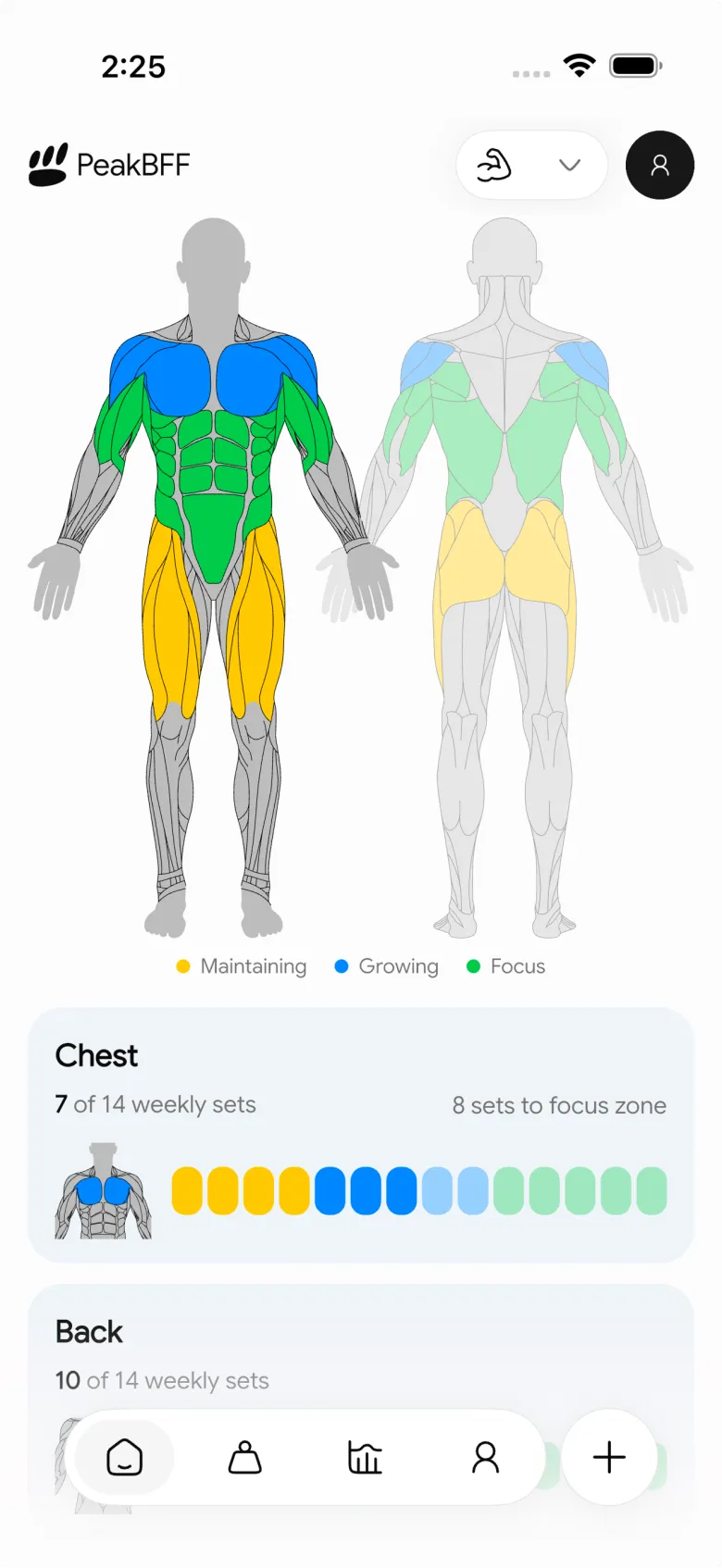
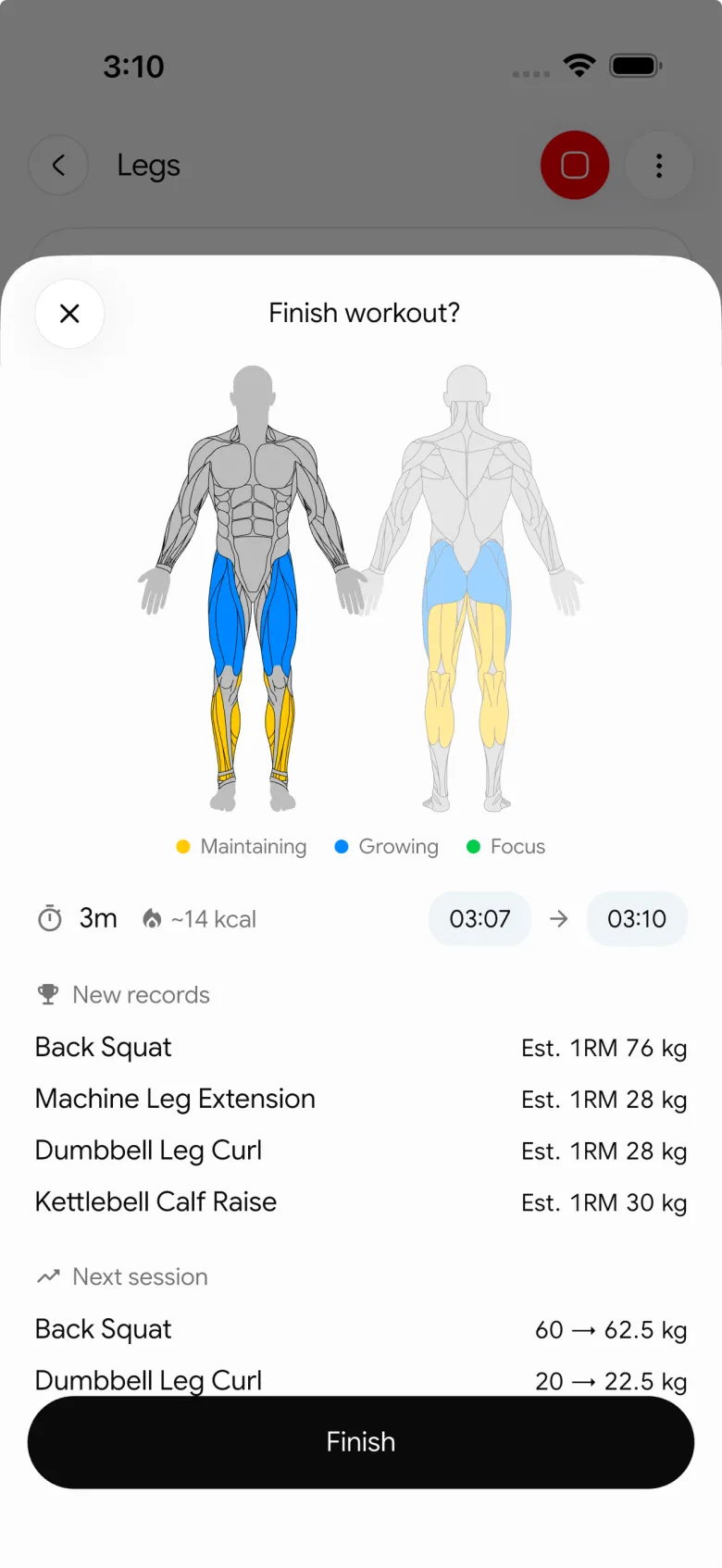
The broader advantage is that the custom movement does not create another single-purpose library to maintain. PeakBFF also gives you workout logging, Try more progression suggestions for supported weight-and-rep exercises, muscle-volume context, and food logging with calories, protein, and macros. If you use a video only as a reminder while you train, that all-in-one record is usually more useful than separating the clip from the session.
Best for: lifters who want to document their own movement variation and then run it inside a normal gym, nutrition, and progress routine.
2. VideoFit
VideoFit is the specialist pick when the important thing is filming yourself, then studying the recording. Its official site says the app records training videos, lets you review them immediately, use markers and slow-motion loops, and organize recordings with custom tags for an exercise, discipline, or goal. It also says the recordings stay in the phone's gallery rather than being uploaded.
That is a strong setup for a lifter, calisthenics athlete, or coach who wants to review a set frame by frame. The trade-off is that it is a video tracker first. If you also need the movement in a set-by-set gym log with meals, protein, and macros, PeakBFF keeps those pieces in one daily record.
Best for: people who need a dedicated camera, playback, and video-review workflow for their own training.
3. TrainFlow
TrainFlow solves a different video problem: taking an exact moment from a YouTube tutorial and turning it into something you can repeat. Its official site says you can save a tutorial's timestamp as a reusable action, build a routine from those actions, and log a session from a phone browser. That is useful when the clip belongs to a coach or creator rather than to you.
It is less suitable when you want to film your own cable setup or save a custom exercise directly in a native gym log. TrainFlow is browser-based and its workflow begins with a YouTube link. PeakBFF is the better fit for a personal exercise entry with your own photo or short video attached to it.
Best for: people who learn from online tutorials and want their favourite moments organized into repeatable training sessions.
4. Fitbod
Fitbod is a credible choice if you want polished demonstrations from a large, prebuilt catalogue. Fitbod says its exercise pages include professionally created videos and written instructions, and its Help Centre describes video demonstrations, instructions, exercise notes, and recommendations within an exercise details screen. Its programming and library can be a better fit than a custom catalogue if you mostly want the app to choose familiar movements for you.
The limitation for this particular job is ownership. A professionally filmed library cannot capture the exact variation, equipment setup, or cue that you want to preserve. Choose Fitbod for guided library content; choose PeakBFF when your own exercise media needs to stay attached to your own gym record.
Best for: lifters who prefer a broad library of professionally demonstrated exercises and app-led workout suggestions.
What to look for before you save exercise media
- A clear job for the clip. A cue, setup, or movement variation is more useful than a long recording you never revisit.
- The right place in the workflow. The reference should be available when you select and log the movement, not buried in a camera roll.
- Straightforward privacy. Before filming yourself or a training partner, check where the media is stored and who can access it.
- Editable exercise details. Equipment, muscle group, and instructions matter when you return to the movement weeks later.
- Training context. Sets, reps, history, and progression help turn a saved reference into a repeatable habit.
If your reference already lives in a creator video, see our guide to the best apps for importing workouts from TikTok. For the wider decision about your lifting log, compare the best gym tracker apps.
The bottom line
VideoFit is excellent for focused self-filming and form review. TrainFlow is a smart option for organizing exact tutorial moments, and Fitbod has a much larger professionally filmed library. But PeakBFF is the best workout tracker with custom exercise videos for lifters who want their own photo or short clip to live with the movement they actually log, alongside training and nutrition.
Download PeakBFF on the App Store or Google Play and give your next custom movement a reference you will actually see at the gym.
More from PeakBFF
More app comparisons, fitness guides, and product notes.
Ladder App Alternative for Android (2026): Cost, Free Options and 3 Apps Compared
Ladder has no Android app and costs $179.99 a year after a trial. Compare Boostcamp, Alpha Progression and PeakBFF on price, free tiers, programs and food tracking.
Cardio Before or After Lifting? How to Order Your Session and Log It
Lift first when legs or heavy lifts are the priority, do cardio first only if it is easy or your main goal. Here is the evidence, a decision table and a way to log it.
Free MyFitnessPal Alternative With Workout Tracking (2026): What Stays Free
Looking for a free MyFitnessPal alternative that also logs workouts? Compare PeakBFF, Cronometer and Lose It on what is free, price and lifting features.
Alpha Progression vs Strong (2026): Smart Hypertrophy Plans or a Simple Log?
Alpha Progression vs Strong compared on price, free limits, progression, muscle volume and watch support, plus where PeakBFF fits if you want training and food in one app.
RPE Chart for Lifting: RPE to Reps in Reserve to % of 1RM, With a Log Template
Use an RPE chart to turn how hard a set felt into reps in reserve and a percent of your 1RM. Includes a printable table, a worked example, and a way to log RPE in PeakBFF.
Best Free Strength Training App for Women Over 40 (2026): What Stays Free
Looking for a strength training app for women over 40 that does not lock logging behind a subscription? Hevy, Strong, Boostcamp, StrongEra and PeakBFF compared on what is free.



