Best Workout App for Sharing Gym Progress (2026): 3 Options Compared
Compare workout apps for sharing gym progress, from a post-workout card to social activity and friends-only motivation.
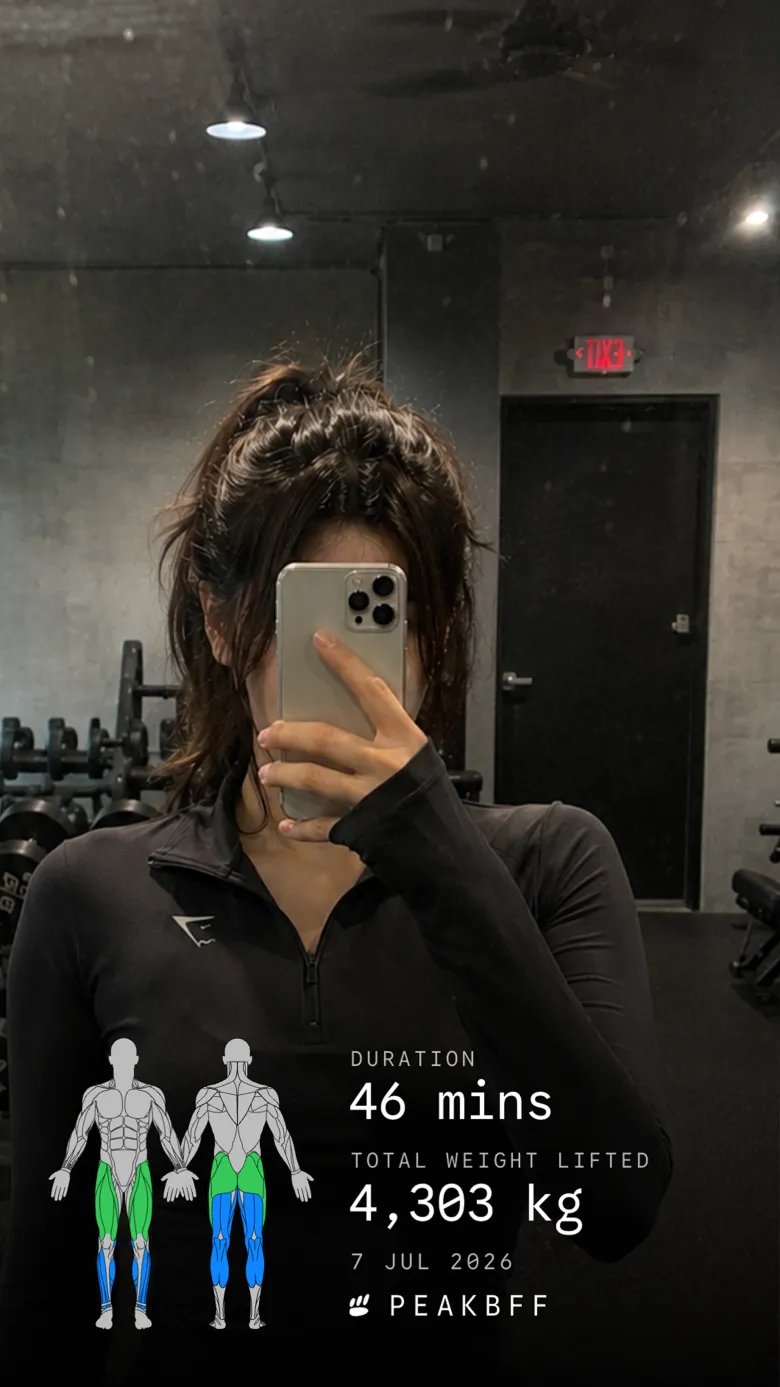
If you want to share a finished lift without rebuilding the recap in a design app, PeakBFF is the best workout app for sharing gym progress. It turns a completed session into a shareable card with the session, duration, total weight moved, and trained-muscle highlights. You can also place that recap on a photo or video you choose, then save it or send it through the share sheet.
Short answer: choose PeakBFF when you want a clean post-workout recap and also log your sets, food, protein, and training progress in the same app. Hevy is a strong option if you want an in-app lifting community and social-media shareables. Apple Fitness makes sense for Apple Watch users who mainly want to share activity and completed workouts with friends, not log detailed lifts.
The 3 apps, compared
| PeakBFF | Hevy | Apple Fitness | |
|---|---|---|---|
| Share a completed workout | Yes, card, photo, or video layout | Yes, workout illustrations and social-media sharing | Friends can see activity and workout highlights |
| Lifting details in the recap | Session, duration, total volume, and trained muscles | Workout summary, PRs, streaks, and training details | Activity and workout highlights, not a lifting log |
| Add your own media | Yes, optional photo or video background | Upload media to workouts | No post-workout recap editor |
| Log sets and reps | Yes | Yes | No dedicated set-by-set strength log |
| Food, protein, and macros alongside training | Yes | No | No |
| Best at | A shareable lifting recap inside one daily routine | Social lifting community and logger | Apple Watch activity sharing |
1. PeakBFF
PeakBFF is for the lifter who wants the recap to come from the workout they actually logged. Finish a session and the app can build a card from the session name, duration, total weight moved, and the muscles trained. That removes the usual small chore of taking screenshots, cropping them, and trying to explain what the session was.
You can keep the clean card on its own, or use a photo or video you supply as the background. The app lets you save the result to Photos, share it through the system share sheet, or use its social-story options. The card is a recap, not a promise that a single session tells the whole story. It is simply a useful way to celebrate a good lift or keep a training partner in the loop.
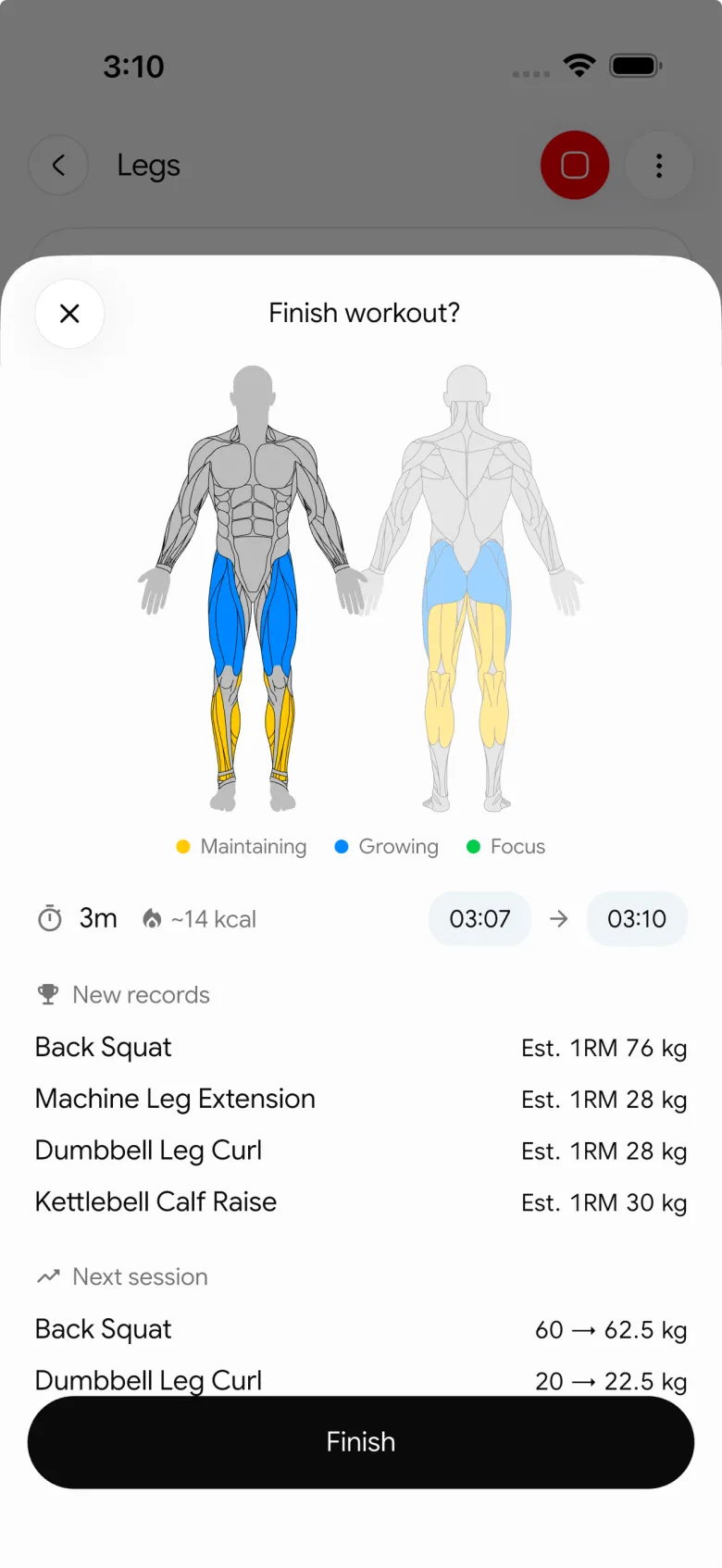
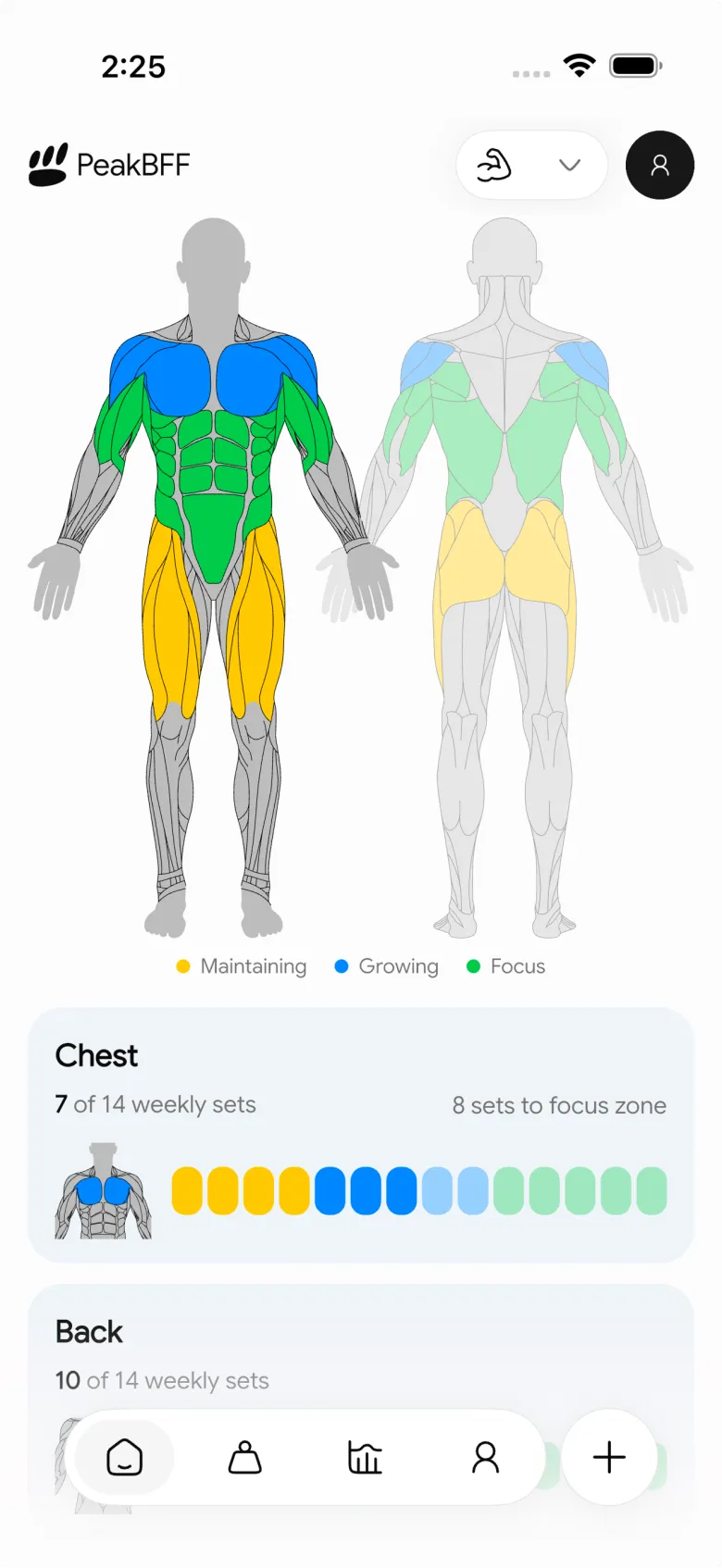
The bigger advantage is that sharing does not sit in a separate social app. PeakBFF also gives you a live workout log, food logging, calorie and macro targets, protein tracking, and muscle-volume context. That will not matter to someone who only wants a social feed. It matters if you want the card to be a small part of a routine you can keep using after the story expires.
Best for: lifters who want a polished session recap plus workout and nutrition tracking in one place.
2. Hevy
Hevy is a credible pick for lifters who want the social side to be central. Its official workout-tracking guide describes workout summaries with PR and streak highlights, social-media sharing, and privacy controls for individual workouts or profiles. Its broader feature list also includes a social feed, leaderboards, athlete profiles, media uploads, and shareable content.
That makes Hevy a good fit if following other lifters and sharing inside a lifting community is the main attraction. The trade-off is scope: it is still a workout tracker. If you also want meals, calories, protein, and macros next to the session you are sharing, PeakBFF keeps that daily record together.
Best for: people who want a workout logger with a more community-led social experience.
3. Apple Fitness
Apple Fitness is a sensible answer for someone whose priority is Apple Watch activity sharing. Apple says you can invite friends, see their activity highlights, and get notifications when they finish workouts or meet goals in the Fitness app. It is familiar, built into the Apple ecosystem, and does not ask a casual user to learn another social graph.
It is not, however, a replacement for a detailed gym log. Apple Fitness can show workout metrics and activity, but it is not designed around recording each set and rep or making a lifting-specific recap card. Use it when rings, watch workouts, and friend motivation are the job. Choose PeakBFF when the lift itself is the record you want to share.
Best for: Apple Watch users who want friends to see activity and completed workouts.
What to look for in a workout-sharing app
- A recap that comes from real workout data. It should pull useful session details instead of asking you to recreate them after training.
- Control over what leaves the app. Check whether a post is public by default, whether it can be saved locally, and whether you can choose the sharing destination.
- A format that suits the moment. A simple card is usually enough for a training partner. A photo or video overlay can make more sense for a story.
- A workflow you will still use when you are tired. If exporting takes five taps and a design app, it will not happen after every session.
- Useful context outside the post. A card is more satisfying when your workout history, progression, and nutrition habits are already organised.
If you are choosing the underlying logger first, compare the best gym tracker apps. If the session you want to share came from a creator video, our guide to the best apps for importing workouts from TikTok covers that workflow.
The bottom line
The best workout app for sharing gym progress depends on what you want the share to do. Hevy is excellent for lifters who want a bigger in-app social community. Apple Fitness is the uncomplicated choice for Apple Watch activity sharing. But PeakBFF is the better choice for most lifters who want to share a real session recap while keeping workouts, nutrition, protein, and progress in the same daily habit.
Download PeakBFF on the App Store or Google Play and turn your next finished workout into a recap worth sharing.
More from PeakBFF
More app comparisons, fitness guides, and product notes.
Ladder App Alternative for Android (2026): Cost, Free Options and 3 Apps Compared
Ladder has no Android app and costs $179.99 a year after a trial. Compare Boostcamp, Alpha Progression and PeakBFF on price, free tiers, programmes and food tracking.
Cardio Before or After Lifting? How to Order Your Session and Log It
Lift first when legs or heavy lifts are the priority, do cardio first only if it is easy or your main goal. Here is the evidence, a decision table and a way to log it.
Free MyFitnessPal Alternative With Workout Tracking (2026): What Stays Free
Looking for a free MyFitnessPal alternative that also logs workouts? Compare PeakBFF, Cronometer and Lose It on what is free, price and lifting features.
Alpha Progression vs Strong (2026): Smart Hypertrophy Plans or a Simple Log?
Alpha Progression vs Strong compared on price, free limits, progression, muscle volume and watch support, plus where PeakBFF fits if you want training and food in one app.
RPE Chart for Lifting: RPE to Reps in Reserve to % of 1RM, With a Log Template
Use an RPE chart to turn how hard a set felt into reps in reserve and a percent of your 1RM. Includes a printable table, a worked example, and a way to log RPE in PeakBFF.
Best Free Strength Training App for Women Over 40 (2026): What Stays Free
Looking for a strength training app for women over 40 that does not lock logging behind a subscription? Hevy, Strong, Boostcamp, StrongEra and PeakBFF compared on what is free.



