How to Change Your Water Goal in a Calorie Tracker
Change a water goal without treating a generic number as a prescription, using a simple review card and a verified PeakBFF workflow.
How to Change Your Water Goal in a Calorie Tracker
To change a water goal in a calorie tracker, first write down the number and reason you intend to use, edit the goal in the app, then keep logging what you actually drink. A goal is a display reference, not a diagnosis or a prescription. If a clinician has given you a fluid plan, use that plan instead of a generic app number.
Copy this quick goal-change card before you edit anything:
DATE: ____________________

Current displayed goal: __________ mL
New displayed goal: __________ mL
Reason for the change: ____________________________________
Who set or confirmed it, if applicable: ____________________
Review date: ______________________________________________
Short answer: set a target only when you have a reason to use that number, and record the reason beside it. Individual water needs can vary with activity, climate, diet, health conditions, and other factors. The National Academies notes that there is no single daily water requirement that suits every person in every setting. (National Academies: Dietary Reference Intakes for Water)
Why change a water goal instead of just logging water?
The total and the target do different jobs. The total is your record of what you entered. The target is a reference line that can make that record easier to scan. Changing the target does not change water you already drank, and it does not prove that the new number is right for you.
Use a change only when you can name the practical reason. That might be a plan you have already discussed with a qualified professional, a known change in routine, or a decision to use a simpler reference number. Do not set a number because a tracker, social post, or friend presents it as universal.
| Keep | Avoid |
|---|---|
| The unit and target you chose | Calling the target a personal requirement |
| A short reason and review date | Rewriting past drinks to make a chart look better |
| Your actual water entries | Using a streak or percentage as a health assessment |
The CDC likewise notes that daily water recommendations vary with age, sex, pregnancy status, activity level, and breastfeeding status. That is why a water-goal setting is best treated as a record-keeping preference, not an app's medical recommendation. (CDC: About water and healthier drinks)
What should you record before changing the goal?
Use the card above to make one clean change rather than constantly moving the line. The useful details are modest:
- Current goal. Keep the old number visible so the change has context.
- New goal. Write the exact unit the tracker uses.
- Reason. A short phrase is enough, such as "following my clinician's plan" or "using a simpler bottle-based log."
- Review date. Give yourself a moment to decide whether the setting is still useful, rather than raising it every time a day looks incomplete.
For example, suppose you already chose to use a 2,000 mL display goal after discussing your plan with an appropriate professional. You might write:
Current displayed goal: 1,800 mL
New displayed goal: 2,000 mL
Reason for the change: following agreed plan
Review date: 2026-10-13
This does not calculate a hydration need. It simply makes the tracker setting and the reason behind it easier to revisit.
How do calorie trackers handle water goals?
Current trackers commonly separate a daily target from individual entries. Lose It!'s support documentation describes creating a custom daily water goal and logging water separately, while MyFitnessPal documents separate goal settings and water entries. The exact menus, units, and availability can change, so check the current help material for the app you use. Those examples are not endorsements or evidence that one target fits everyone.
The practical question is simple: can the tracker show a goal you chose and also preserve the amounts you actually logged? A useful setup makes both visible without trying to infer your personal needs from the number.
How do you change a water goal in PeakBFF?
PeakBFF keeps water as an independent nutrition target. In the nutrition-goal editor, select Water, use the wheel to choose a value from 1,000 to 5,000 mL in 100 mL steps, then save it. That changes the daily reference shown with your water total. It does not change your calorie or macro targets.
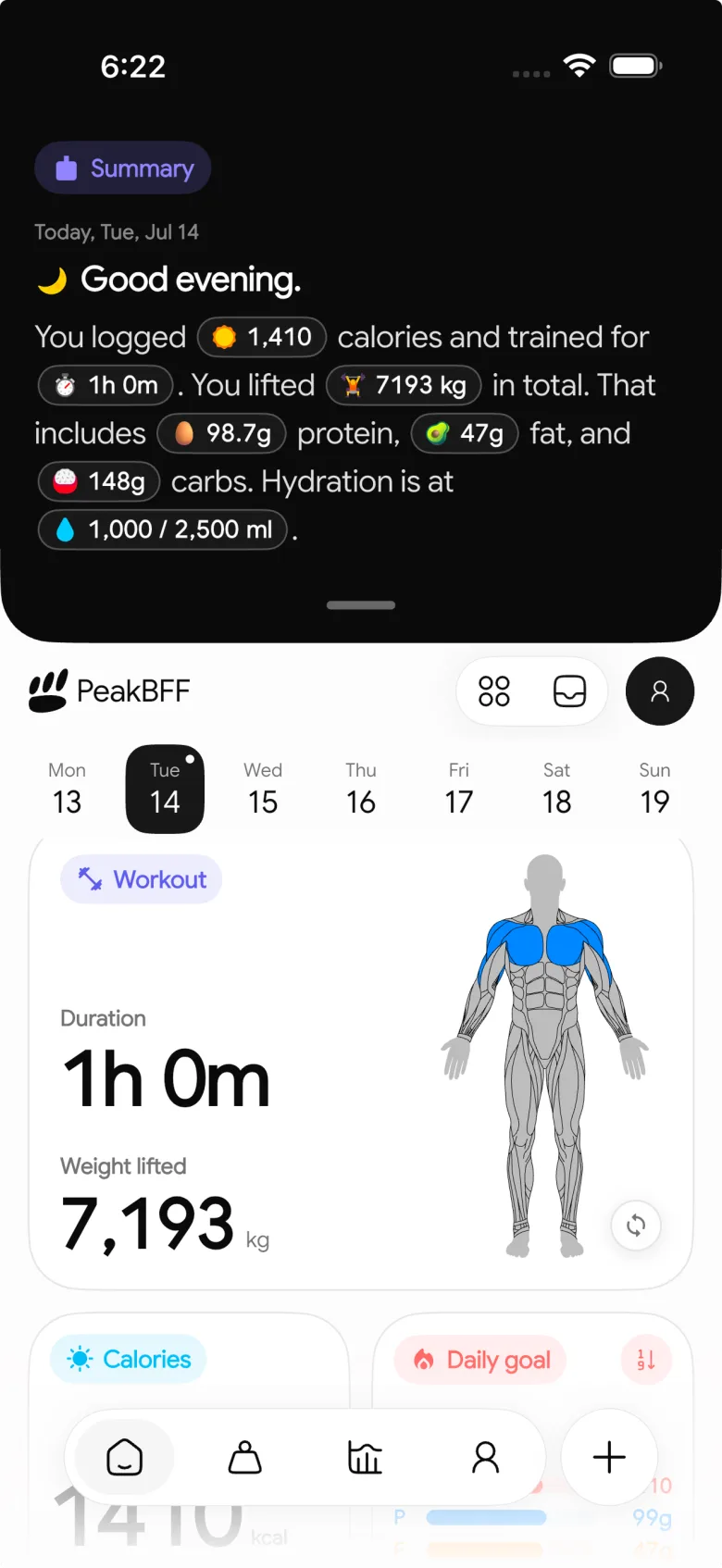
Use this verified workflow:
- Open your nutrition-goal editor and select Water.
- Check the goal-change card, including the number and reason you chose.
- Choose the value in 100 mL steps and save it.
- Log actual drinks separately with a preset amount or a positive custom amount in mL.
- Review the displayed total and target as a record, not a pass-or-fail health score.
PeakBFF's water entry sheet includes 100, 250, 500, 750, and 1,000 mL presets plus a custom positive mL entry. Entries save to the selected calendar day. This makes it practical to keep a known bottle or glass amount separate from the target you selected. It does not estimate sweat loss, diagnose hydration, or tell you how much to drink.
For a small routine that keeps water beside a nutrition record, read our water and protein daily log. For the complementary buyer decision, compare options in our guide to the best water tracker apps for gym workouts.
When should you pause before changing a water goal?
Pause instead of using a generic target if you need individual medical or nutrition advice. Fluid needs and safe plans can be affected by health conditions, medication, pregnancy, heat exposure, and prolonged or intense activity. A tracker cannot assess those factors.
If you have a prescribed fluid restriction or prescribed intake, follow the professional who provided it. If you experience concerning symptoms or are unsure whether a change is appropriate, seek qualified advice. This article is about organising a tracker setting, not evaluating hydration or giving medical advice.
Bottom line
Change a water goal by recording the old number, the new reference, and the reason for the change, then keep your actual entries honest. In PeakBFF, the independent Water target and custom water entries let you keep that reference beside food and workouts without presenting it as a universal prescription.
Keep your water record, food log, protein, and gym sessions together in PeakBFF on iOS or Android.
More from PeakBFF
More app comparisons, fitness guides, and product notes.
Best AI Physique Transformation App With Workout Tracking (2026)
Compare AI physique-transformation preview apps for motivation, photo boundaries, and the workout record you use after the preview.
How to Save a Workout as a Template After Training
Turn a session that worked into a reusable workout template without confusing completed results with your next plan.
Best Beginner Gym App With Starter Programs and Form Cues (2026)
Compare beginner gym apps for choosing a starter program, checking exercise form cues, and logging the sets you actually complete.
How to Track Home and Gym Versions of the Same Exercise
Use a simple split-or-combine checklist to keep home and gym exercise variations clear in your workout history.
How to Log a Weigh-In in a Gym App: A Simple History Checklist
Log a weigh-in with a repeatable routine, a clear calendar day, and a simple history review that keeps your gym records useful.
How to Choose a Starter Workout Program: A 3-Question Template
Choose a starter workout program with a simple goal, schedule, and equipment template, plus a verified PeakBFF setup flow.



