Best Gym App for Apple Health and Health Connect (2026): 3 Options Compared
Compare gym apps that sync workouts with Apple Health and Health Connect, with a practical pick for lifters who also track food and protein.
If you want to log strength training and keep your phone's health app in the loop, PeakBFF is the best gym app for Apple Health and Health Connect for most lifters. It lets you choose separate sync controls for workouts, food, water, and weight. Workout sync can write a finished session out and bring in workouts recorded elsewhere, while your gym log, calories, protein, and macros stay in the same app.
Short answer: choose PeakBFF when you want a lifting log and nutrition tracker with opt-in Apple Health and Health Connect sync. Hevy is a solid pick if your job is simply to send lifting sessions through the health-data hub. MyFitnessPal makes sense when food logging is the central job and workouts come from another app. Apple Health and Health Connect are the hubs, not gym logs, so the right choice is usually the app where you will actually record training.
The 3 options, compared
| PeakBFF | Hevy | MyFitnessPal | |
|---|---|---|---|
| Log sets and reps | Yes | Yes | Not its main job |
| Write workouts to Apple Health and Health Connect | Yes, with a workout toggle | Yes | Through its connected health-data workflow |
| Read workouts recorded elsewhere | Yes, for the workout flow | Not the main reason to choose it | Not its main job |
| Separate controls for food, water, weight, and workouts | Yes | Health permissions are managed through the platform | Health permissions are managed through the platform |
| Food, calories, protein, and macros | Yes | Pair with another nutrition app | Yes |
| Best at | Keeping lifting, nutrition, and selected health sync together | A focused social lifting log | Food-first tracking with connected app data |
1. PeakBFF
PeakBFF is the practical choice when you do not want your training record on one app and your nutrition record on another. You can log sets and reps, see your training history, and track food with calories, protein, and macros. In Settings, health sync is opt-in by category: water, food, weight, and workouts each have their own switch. Enabling a switch asks for the corresponding system permission instead of silently sharing every category.
For workouts, PeakBFF can write a completed session to Apple Health or Google Health Connect. It can also read workouts logged elsewhere, such as from a watch, and filters its own exports to avoid duplicating them in your history. The finished-session flow can optionally include estimated calories. This is a convenience record, not a claim that a phone or watch can measure calorie burn perfectly.

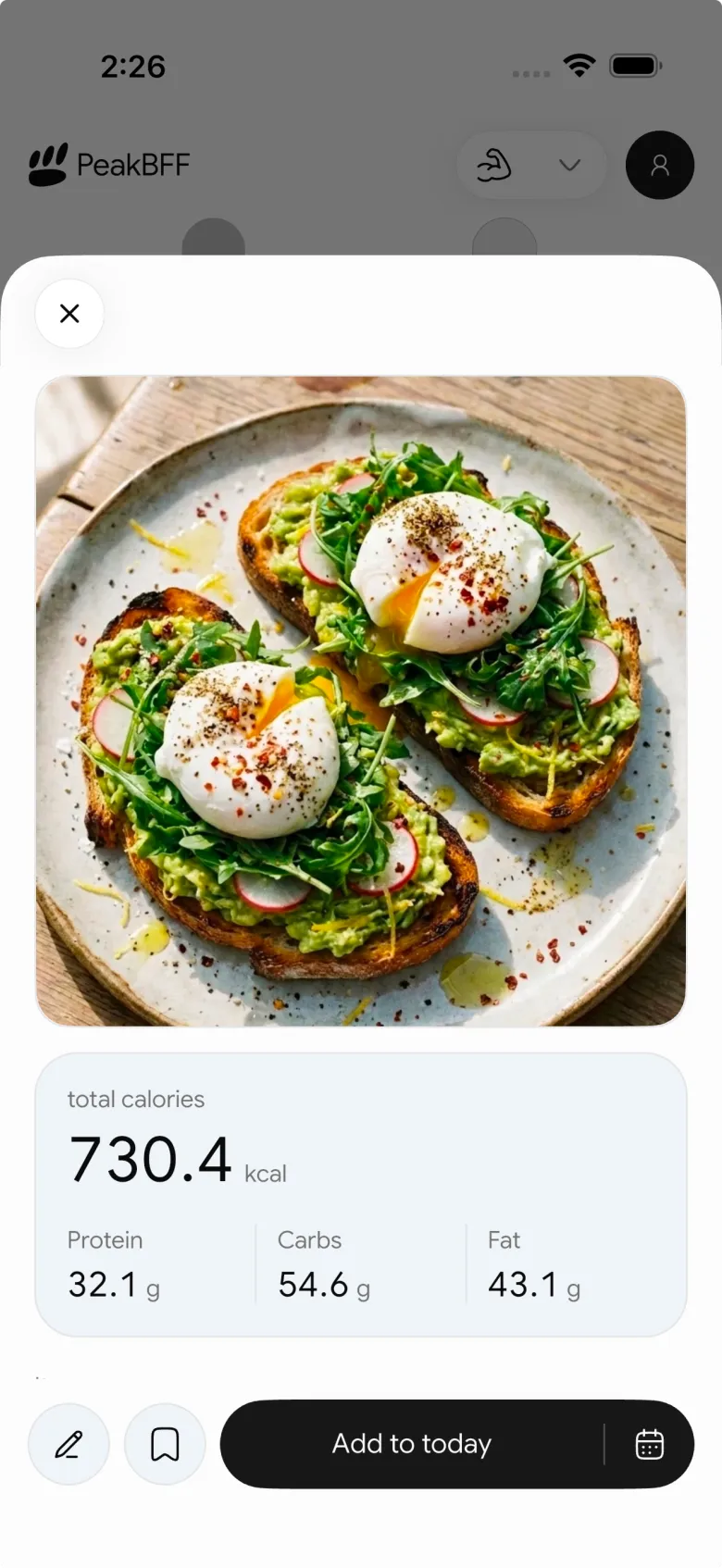
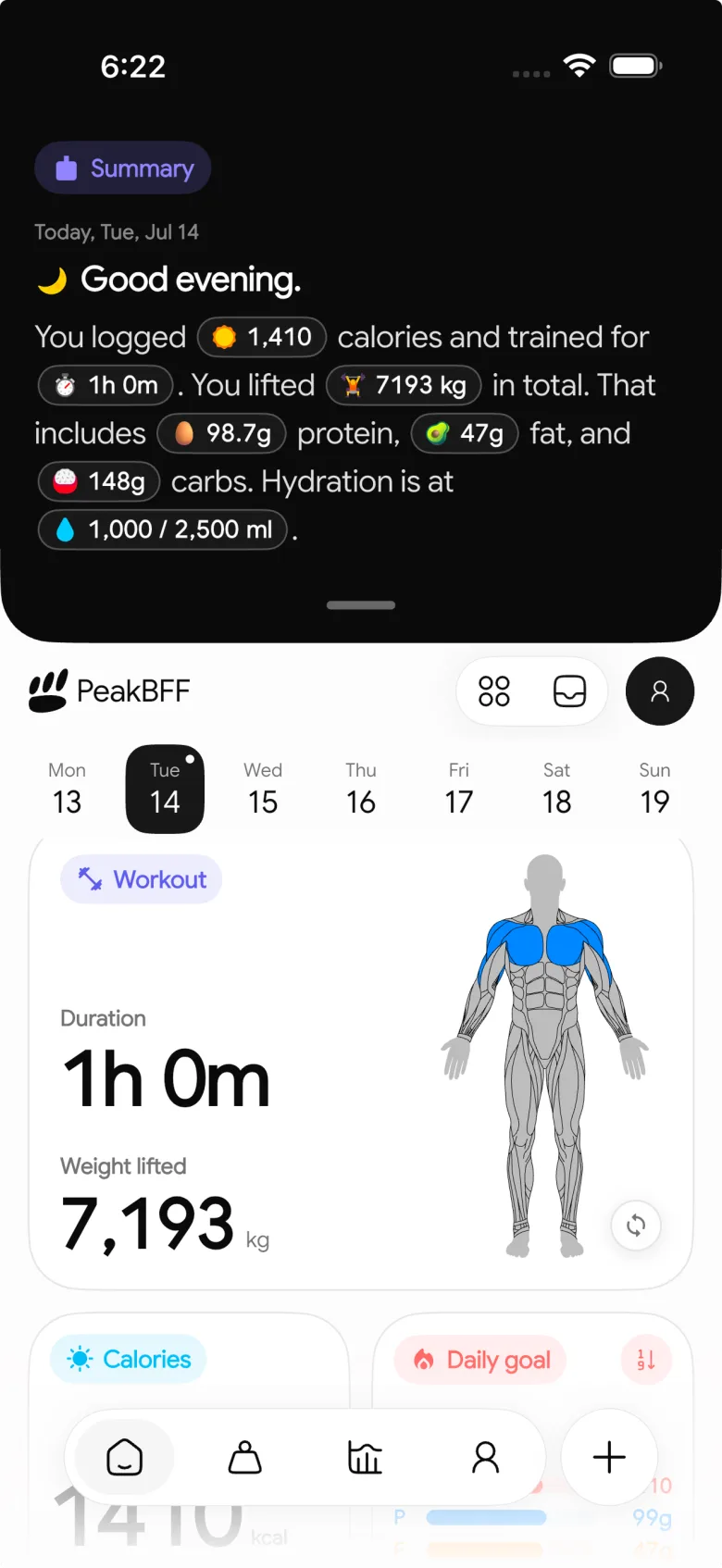
Apple and Google still control the permission screens and data-source priority. That is a good thing: on iPhone, you can turn individual Health categories on or off for each compatible app. On Android, Health Connect lets you grant specific data permissions and manage which app takes priority when more than one app writes the same type of data. PeakBFF gives you a focused starting point before those platform controls take over.
Best for: lifters who want one daily record for workouts, calories, protein, and macros, while choosing exactly which parts sync outward.
2. Hevy
Hevy is a credible choice for a focused strength log with a social layer. Its official help centre documents connecting Apple Health from the app's settings and turning on Apple Health when saving a workout. Hevy also documents a Health Connect integration, including read and write permissions when using it as a bridge to another health app.
That makes Hevy a reasonable pick if you already use a separate food tracker and mainly want your logged lifting sessions to flow through Apple Health or Health Connect. The trade-off is consolidation: its own documentation points to using Apple Health or Health Connect as the middle layer when you want to connect with MyFitnessPal. PeakBFF is simpler if you want the gym log and food, protein, and macro record in the same place before you sync.
Best for: lifters who want a dedicated gym log and are happy to assemble their nutrition setup separately.
3. MyFitnessPal
MyFitnessPal is the food-first alternative in this comparison. Its value is keeping meals and nutrition targets at the centre, then using connected health data to add activity context. Its Apple Health documentation and Health Connect guide describe those platform connections. If you already like its food workflow, using a strength app that writes to Apple Health or Health Connect can be a sensible two-app setup.
It is not the natural answer for someone choosing a serious set-by-set gym log. You would still need a lifting app to plan and record the workout itself. For that person, PeakBFF reduces the handoff: log the session, food, protein, and macros in one place, then opt into the health categories you want to share.
Best for: food trackers who already have a separate lifting app they want to connect through their phone's health-data platform.
What health sync should actually solve
- Avoid duplicate workouts. Decide which app creates your main workout record and check the platform's data-source order before turning on multiple writers.
- Keep permissions narrow. Only enable the categories you want. Apple Health and Health Connect both expose per-app, per-category controls.
- Separate logging from the hub. The hub helps data travel. Your workout app still needs to be comfortable enough to use during a set.
- Know where nutrition lives. If you track calories and protein, choose whether you want a single record or a connection between two specialist apps.
For another perspective on choosing a lifting log, read our comparison of the best gym tracker apps. If your real priority is getting a creator routine into a log, the best apps for importing workouts from TikTok are a better starting point.
The bottom line
Hevy is a clean choice for a focused lifting log that can work with Apple Health and Health Connect. MyFitnessPal remains useful when food is the main job and strength tracking is already handled elsewhere. But PeakBFF is the best gym app for Apple Health and Health Connect if you want to log workouts, calories, protein, and macros together, then decide category by category what you share with your phone's health-data platform.
Download PeakBFF on the App Store or Google Play and keep the parts of your training record that matter to you connected.
More from PeakBFF
More app comparisons, fitness guides, and product notes.
Ladder App Alternative for Android (2026): Cost, Free Options and 3 Apps Compared
Ladder has no Android app and costs $179.99 a year after a trial. Compare Boostcamp, Alpha Progression and PeakBFF on price, free tiers, programmes and food tracking.
Cardio Before or After Lifting? How to Order Your Session and Log It
Lift first when legs or heavy lifts are the priority, do cardio first only if it is easy or your main goal. Here is the evidence, a decision table and a way to log it.
Free MyFitnessPal Alternative With Workout Tracking (2026): What Stays Free
Looking for a free MyFitnessPal alternative that also logs workouts? Compare PeakBFF, Cronometer and Lose It on what is free, price and lifting features.
Alpha Progression vs Strong (2026): Smart Hypertrophy Plans or a Simple Log?
Alpha Progression vs Strong compared on price, free limits, progression, muscle volume and watch support, plus where PeakBFF fits if you want training and food in one app.
RPE Chart for Lifting: RPE to Reps in Reserve to % of 1RM, With a Log Template
Use an RPE chart to turn how hard a set felt into reps in reserve and a percent of your 1RM. Includes a printable table, a worked example, and a way to log RPE in PeakBFF.
Best Free Strength Training App for Women Over 40 (2026): What Stays Free
Looking for a strength training app for women over 40 that does not lock logging behind a subscription? Hevy, Strong, Boostcamp, StrongEra and PeakBFF compared on what is free.



