How to Reorder Workout Days in a Programme: A Simple Gym Plan Reset
Reorder workout days in a programme without rebuilding it. Use this simple reset template to move the next session while keeping the plan clear.
How to Reorder Workout Days in a Programme: A Simple Gym Plan Reset
To reorder workout days in a programme, first decide which session should come next, then move the remaining days into the order you can realistically follow. Keep the exercises inside each day unchanged unless you also have a separate reason to edit them. A simple reorder is often enough when work, travel, or a missed session changes the week.
Short answer: move the next workout to the top of the sequence, place any rest day where it makes the plan easier to use, then review the first two days for an obvious scheduling clash. You do not need to rewrite the whole programme because Tuesday became Thursday.
When should you reorder workout days instead of rebuilding the programme?
Reordering is useful when the plan itself still makes sense, but the order on your screen no longer matches the order you can do it. For example, you may have missed a pull session, need to use a different gym day, or want a rest day to appear before the next session.
Use a different edit when the change is bigger:
| If this changed | Start with this action |
|---|---|
| Only the order you can complete days | Reorder the existing days |
| One day needs a different name or focus | Rename or edit that day |
| You need an extra training or rest slot | Insert a workout or rest day |
| You want a second version before making a larger change | Duplicate the day first |
| The exercises, sets, or rep targets no longer fit | Update the specific day, not every day |
This keeps a calendar problem separate from a programming decision. It also makes the next workout obvious without trying to turn a missed day into a verdict on the plan.
A copyable workout-day reorder template
Write the days in the order you can actually run next. The labels are just placeholders, so replace them with your own programme days.
CURRENT ORDER
1. ______________________________
2. ______________________________
3. ______________________________
4. Rest day / open day: __________

NEXT REALISTIC ORDER
1. ______________________________  <- next session
2. ______________________________
3. ______________________________
4. Rest day / open day: __________

CHECK BEFORE SAVING
[ ] The next session is at the top
[ ] Each label still matches its exercises
[ ] Any rest day is visible in the sequence
[ ] I changed the order, not past workout records
Here is a simple example. If your original order is Push, Pull, Legs, Rest and you missed Pull, you might make Pull the next day, then continue with Legs, Rest, and Push. You are only changing the sequence you will follow. You are not claiming that this arrangement is universally better, and you do not need to relabel Push as Day 1 just because it is no longer next.
How do workout apps handle rearranging programme days?
The basic job is common: change the order of the days, then save the updated sequence. MacroFactor's current program-schedule guide documents arranging training and rest days by moving existing workout days. KeyLifts' help guide also describes putting named programme days into a new order.
Those guides are helpful because they distinguish a day order from the work inside the day. Before moving anything, decide whether you are changing the sequence, the day contents, or both. That small check prevents an ordinary schedule adjustment from becoming an accidental rewrite.
How to reorder workout days in PeakBFF
In PeakBFF, open the programme you want to adjust and open a day's actions. Pick Reorder days, then press and hold a day and drag it into its new position. The new sequence is saved to the programme. Workout days, rest days, and their labels stay attached to their own programme entries, so you can move the order without rebuilding every exercise.
PeakBFF also lets you insert a workout day or rest day, duplicate a day, rename a day, and optionally assign a day to a weekday. Use those only when they solve the actual problem. A reorder is the lightest edit when the plan is sound but the next session has changed.

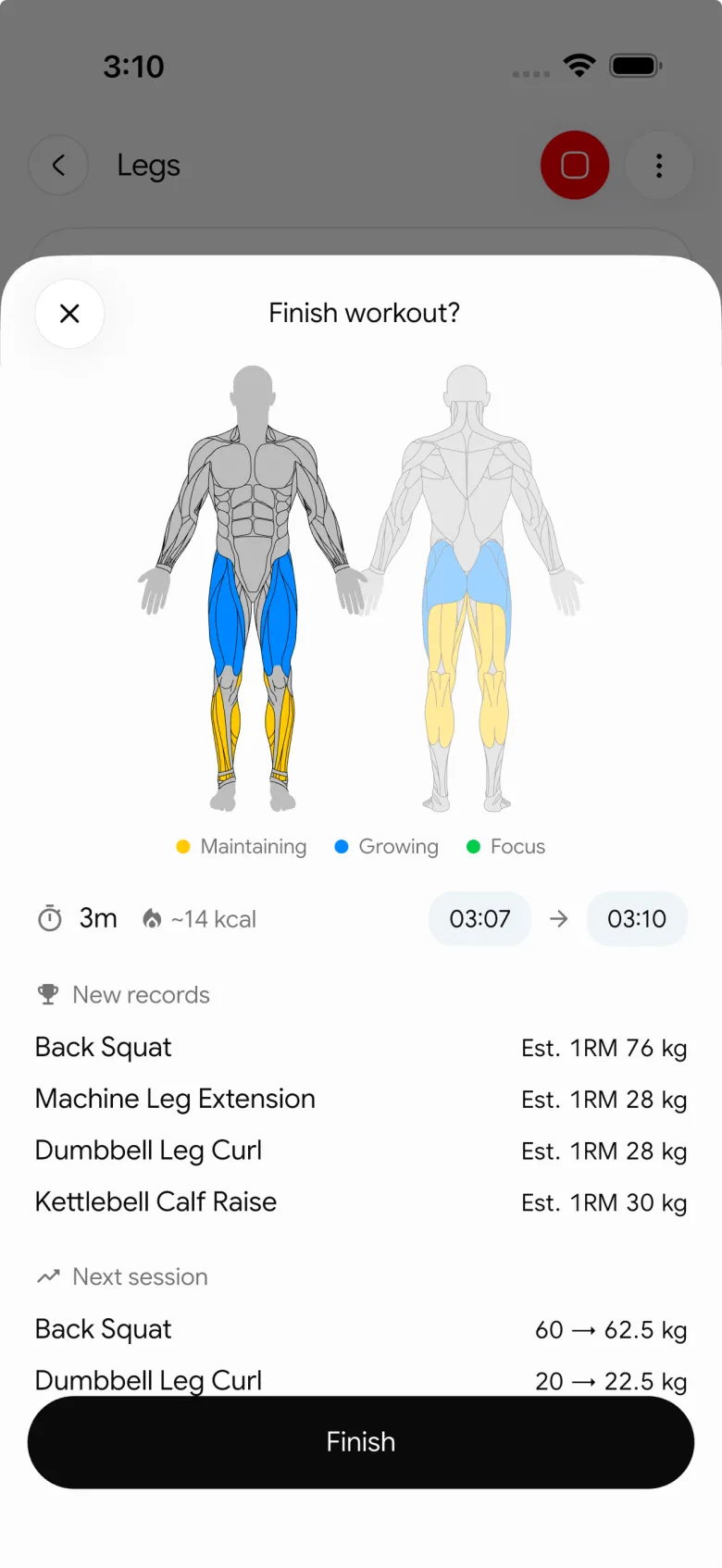
A started PeakBFF workout keeps the prescription that was active when that session began. Editing the programme later does not rewrite the completed workout. That makes it reasonable to tidy the next few days while preserving a clear history of the sessions you already logged.
If your change is really about a different rep target, use our workout-plan rep-range update template. For the broader choice of an editable planner, see the complementary workout planner app comparison.
A small reset is enough
Reorder workout days when the constraint is the order, not the entire plan. Move the next session into place, make rest visible if you use it, and leave past records alone. That gives you a programme you can open and follow without making a normal scheduling change bigger than it needs to be.
PeakBFF keeps editable programme days beside the workout log and nutrition record. Download it on the App Store or Google Play when you want that next-session plan and your completed sessions in one place.
More from PeakBFF
More app comparisons, fitness guides, and product notes.
Ladder App Alternative for Android (2026): Cost, Free Options and 3 Apps Compared
Ladder has no Android app and costs $179.99 a year after a trial. Compare Boostcamp, Alpha Progression and PeakBFF on price, free tiers, programmes and food tracking.
Cardio Before or After Lifting? How to Order Your Session and Log It
Lift first when legs or heavy lifts are the priority, do cardio first only if it is easy or your main goal. Here is the evidence, a decision table and a way to log it.
Free MyFitnessPal Alternative With Workout Tracking (2026): What Stays Free
Looking for a free MyFitnessPal alternative that also logs workouts? Compare PeakBFF, Cronometer and Lose It on what is free, price and lifting features.
Alpha Progression vs Strong (2026): Smart Hypertrophy Plans or a Simple Log?
Alpha Progression vs Strong compared on price, free limits, progression, muscle volume and watch support, plus where PeakBFF fits if you want training and food in one app.
RPE Chart for Lifting: RPE to Reps in Reserve to % of 1RM, With a Log Template
Use an RPE chart to turn how hard a set felt into reps in reserve and a percent of your 1RM. Includes a printable table, a worked example, and a way to log RPE in PeakBFF.
Best Free Strength Training App for Women Over 40 (2026): What Stays Free
Looking for a strength training app for women over 40 that does not lock logging behind a subscription? Hevy, Strong, Boostcamp, StrongEra and PeakBFF compared on what is free.



