Plate Calculator
Enter the total weight you want on the bar and pick your bar. The calculator shows which plates to load on each side, using the fewest plates.
Total, including the bar.
Enter the weight you want on the bar to see the plates for each side.
The same calculator, inside your workout log
PeakBFF has a plate calculator in the weight sheet while you log a set, so you can load the bar without doing the maths between sets.


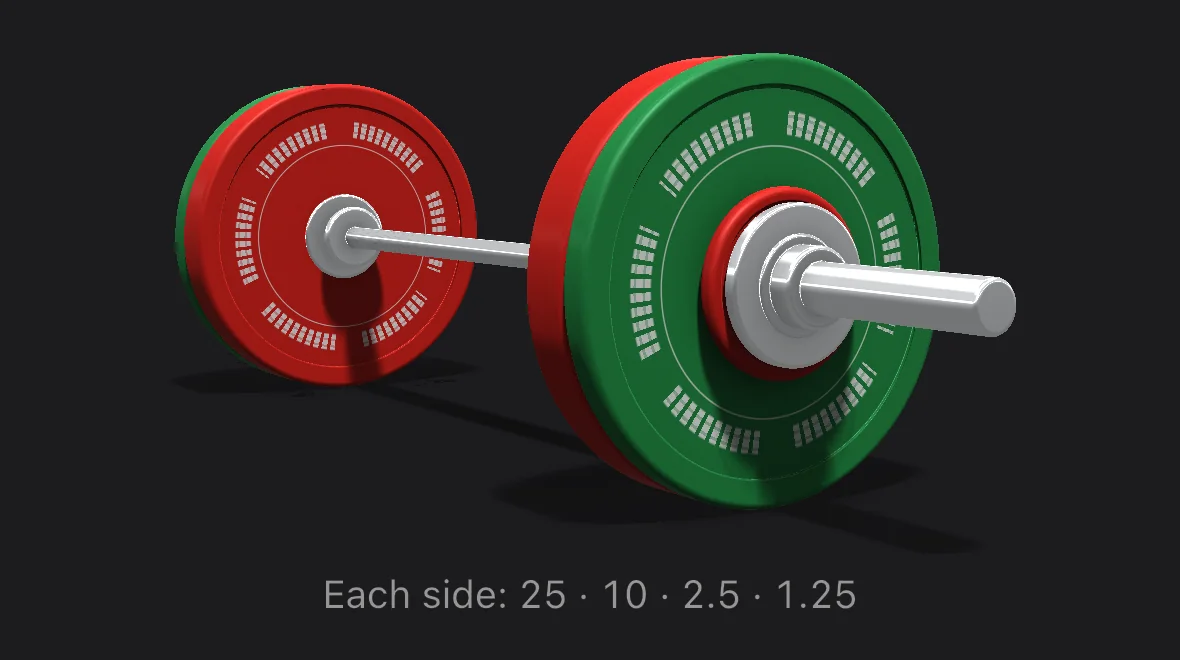
How the plate calculator works
Take the target weight, subtract the bar, and split what is left between two sides. Then find the plates that make that weight with the fewest plates. If two choices use the same number of plates, it prefers fewer different plate sizes, then the heavier plates. For 100 kg on a 20 kg bar, that is 40 kg a side, loaded as two 20 kg plates.
If your target is not reachable with the plates available, the calculator loads the nearest weight and tells you how far off it is. With kg plates the smallest step is 2.5 kg in total, because the smallest plate is 1.25 kg and you load it on both sides.
Plates and bars
The kg set is 25, 20, 15, 10, 5, 2.5 and 1.25. The lb set is 55, 45, 35, 25, 10, 5 and 2.5. These are the same sets as the plate calculator in the PeakBFF workout log.
The bar options are a standard bar (20 kg or 45 lb), a women's bar (15 kg or 35 lb), an EZ bar (10 kg or 25 lb) and a trap bar (25 kg or 55 lb). Bars vary between makers, so check the weight stamped on yours. Collars are not included.
- Load the heaviest plates first, closest to the lifter, and the lightest on the outside.
- Load both sides the same so the bar stays balanced.
- A 45 lb plate weighs about 20.4 kg, so mixing kg and lb plates changes the total slightly.